Mumble AI vs Otter.ai
Looking for an Otter.ai alternative that respects your privacy? Mumble AI records meetings without a bot, processes audio on-device, and includes voice notes.
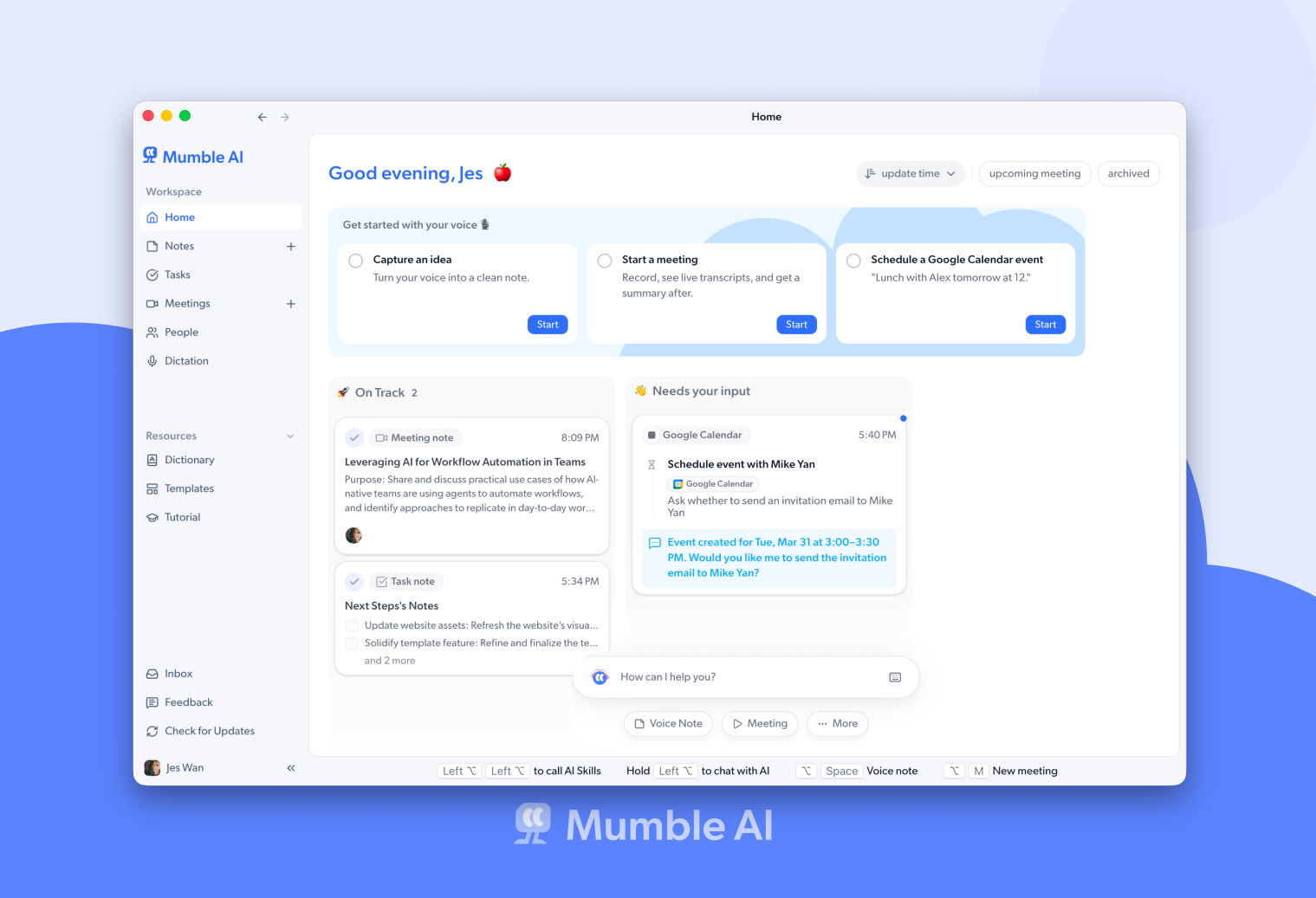
If you want a meeting recorder that works without a bot joining your call, supports 43 languages, and can process audio entirely on your Mac, Mumble AI is a strong Otter.ai alternative. It also includes voice notes, which Otter does not offer; dictation is a separate app, Mumble Dictation.
Note (August 2026): The Mumble AI Mac app is being redesigned and is not available for download right now. Mumble Note, the iOS app, is available on the App Store. We will update this page when the Mac app is back.
Otter.ai is one of the most well-known AI meeting transcription tools, used by millions of people. But it comes with trade-offs: by default, a notetaker bot joins your calls as a visible participant. All audio is processed in the cloud. Language support is limited to four languages. And the free plan caps you at 30 minutes per conversation.
Mumble AI takes a fundamentally different approach. There is no bot. Mumble captures audio directly from your Mac. It supports 43 languages, and you can choose between cloud processing or local mode where nothing ever leaves your device. Beyond meetings, Mumble AI also gives you voice notes in the same app; dictation is a separate app, Mumble Dictation.
Mumble AI vs Otter.ai: Feature Comparison
| Feature | Mumble AI | Otter.ai |
|---|---|---|
| Bot joins call | No, records from Mac audio | Default behavior, can be configured |
| On-device processing | Yes, full local mode, offline capable | Desktop app available, cloud processing |
| Languages | 43 languages | English, French, Spanish, Japanese |
| Voice notes | Built-in with auto-organized Smart Notes | No dedicated voice notes workflow |
| Meeting platforms | Any app that plays audio (Google Meet, Zoom, Teams, Slack, etc.) | Google Meet, Zoom, Teams |
| Free plan | Free during beta, local mode free forever | 300 min/month, 30 min per conversation |
| Audio storage | Stored locally on your device, not uploaded to cloud | Stored on Otter servers |
| Platforms | Mac (macOS 14+, Apple Silicon) + iOS | Web, Mac, Windows, iOS, Android, Chrome extension |
Why people switch from Otter.ai to Mumble
No bot, no awkwardness
Otter's default behavior sends a notetaker bot as a visible participant in your calls. Clients and colleagues notice. Mumble records from your Mac's system audio, so nobody knows you're transcribing.
True privacy with local mode
Otter processes audio in the cloud. Mumble lets you switch to local mode where audio is processed entirely on-device and never transmitted. Ideal for sensitive meetings.
More than meetings
Otter focuses on meeting transcription. Mumble AI also gives you voice notes that auto-organize into Smart Notes; dictation is a separate app, Mumble Dictation.
43 languages vs 4
Otter supports English, French, Spanish, and Japanese. Mumble supports 43 languages with high accuracy. Teams that work across languages don't need a separate tool.
No meeting length limits
Otter's free plan caps conversations at 30 minutes. Mumble has no per-meeting limits. Record as long as you need.
Your recordings stay on your device
Otter stores your audio on their servers. Mumble keeps recordings locally on your Mac. You can replay them anytime, but they're never uploaded to the cloud.
Is Mumble right for you?
Mumble records from Mac system audio with zero visible presence. No one in the meeting knows you're transcribing.
Mumble supports 43 languages with speaker labels. Otter supports four.
Mumble's local mode processes everything on your Mac. Nothing is transmitted, and it works offline.
Mumble AI includes auto-organized voice notes in the same app; dictation is a separate app, Mumble Dictation.
Otter has broader platform support and more mature team collaboration tools. If those are essential, Otter may be the better choice.
Where Otter.ai might be a better fit
Otter works on Web, Mac, Windows, iOS, Android, and has a Chrome extension. If you need meeting transcription across all platforms and devices, Otter has the broadest availability.
Otter also has a large established user base with features like OtterPilot for Sales, real-time collaboration on transcripts, and integrations with tools like Slack, Notion, and HubSpot. If your workflow depends on team-wide transcript sharing or sales call analytics, Otter has more mature team features.
If cross-platform access or team-oriented features matter more to you than on-device processing or bot-free recording, Otter is worth considering.
Otter.ai vs Mumble: FAQ
Is Mumble AI a free Otter.ai alternative?
Yes. Mumble AI is completely free during the beta period with no limits. After beta, local mode (on-device processing) stays free forever. Otter's free plan is limited to 300 minutes per month with a 30-minute cap per conversation.
Does Mumble work with Zoom, Google Meet, and Teams?
Yes. Mumble captures audio from your Mac's system output, so it works with any meeting platform that plays audio, including Zoom, Google Meet, Microsoft Teams, Slack huddles, and any other app.
Can Mumble transcribe without sending data to the cloud?
Yes. Mumble offers a local mode that runs AI models directly on your Mac. Audio is processed on-device and never transmitted. You can switch between local and cloud mode anytime.
Does a bot join my meeting with Mumble?
No. Mumble does not add a bot to your calls. It records audio directly from your Mac, so other participants never know you are transcribing. Otter sends a notetaker bot by default, though it can be configured.
Does Mumble support languages other than English?
Yes. Mumble supports 43 languages with speaker labels and AI summaries. Otter supports English, French, Spanish, and Japanese.
Does Mumble work on Windows or Android?
Currently Mumble is available on Mac (macOS 14+ with Apple Silicon) and iOS. Windows and Android are not yet supported. If you need cross-platform support, Otter.ai has broader platform availability.
Ready to try a better alternative?
Mumble AI is free during beta. No credit card required.
Coming Soon