12 Best AI Note Takers for Google Meet in 2026: Bot-Free, Native, and Free Options
We tested 12 AI Note Takers for Google Meet. The right pick comes down to three questions. Do you mind a bot joining your call. Does your audio need to stay on your device. And do you need cross-platform support for Zoom and Teams alongside Google Meet.
Quick picks
- Best bot-free Mac app with calendar auto-sync and local model option: Mumble AI
- Best if your Google Workspace plan includes Gemini: Google Gemini "Take notes for me"
- Best AI notepad for active note-takers: Granola
- Best free plan with unlimited recordings: Fathom
- Most established cloud option: Otter.ai
- Best for CRM-heavy sales teams: Fireflies.ai
- Best for enterprise cross-platform teams: Fellow
- Best lightweight Chrome extension: Tactiq
- Best for sales coaching and video clips: tl;dv
- Best bot-free with GDPR focus: Jamie
- Best for cross-channel recap across meetings, email, and chat: Read AI
- Best bot-free with noise cancellation: Krisp
How I tested these Google Meet AI note takers
I tested these tools in real meeting workflows rather than one-off demo calls.
Each tool was used in at least three common meeting situations:
- one-on-ones and team standups
- external client calls and sales conversations
- longer recorded discussions and interviews
For each tool, I looked at six things:
- recording mode Whether the tool joined the call as a bot or ran in the background, and how much friction that added on external meetings.
- transcript quality and speaker labels How accurate the live or post-meeting transcript was, and whether it correctly identified who said what.
- summary and action item quality Whether the AI-generated notes were structured, accurate, and something I would forward to a teammate without editing.
- calendar and platform coverage Whether it auto-recorded from my Google Calendar, and whether the same setup worked on Zoom and Microsoft Teams.
- privacy and processing location Whether audio stayed on-device, went to the cloud, or offered both options, and whether meeting data was used to train AI models.
- fit for daily work Whether I would realistically keep using it for back-to-back meetings over weeks, not just a one-time test.
I did not rank tools purely on raw transcript accuracy, because for most people the better product is the one that fits their workflow with the least friction in the call and the least editing afterward.
What to look for in a Google Meet note taker
When you are choosing an AI note taker for Google Meet, the factors that actually change which tool I would recommend are:
Bot vs bot-free recording. Bot-based tools join your call as a visible participant and send audio to the vendor's cloud. Bot-free tools capture system audio from your own device with no extra participant.
Why this matters on Google Meet: some third-party bots can add admission friction in Google Meet, especially as Google has tightened bot-related restrictions. tl;dv acknowledges this on their own product page, noting that their botless mode avoids that friction. It does not make bot-based tools unusable, but it is one reason many teams now prefer bot-free options for client meetings, interviews, and other conversations where an extra participant feels intrusive.
Calendar integration. Does the tool auto-start recording based on your Google Calendar, or do you need to click something when the meeting begins. Most bot-based tools auto-join. Most bot-free tools require manual start, except a few (Mumble AI, Granola) that auto-record from your calendar without joining the call.
Cloud vs local processing. Even bot-free tools usually upload audio to the cloud for Google Meet transcription. If you are on calls about hiring, M&A, legal, or health, you want a tool with a local processing option.
Cross-platform support. Google Meet plus Zoom plus Microsoft Teams, or Google Meet only.
Live transcript with speaker labels. Some tools show a live transcript with speaker names during the call. Others only generate notes afterward.
Language support. Ranges from a handful of languages on narrower tools to broader multilingual coverage on tools like Fellow and Fireflies.
Free plan limits. Some free tiers are genuinely free forever. Some are evaluation trials. Read the fine print.
1. Mumble AI
Note (August 2026): The Mumble AI Mac app is being redesigned and is not available for download right now. Mumble Note, the iOS app, is available on the App Store. We will update this section when the Mac app is back.
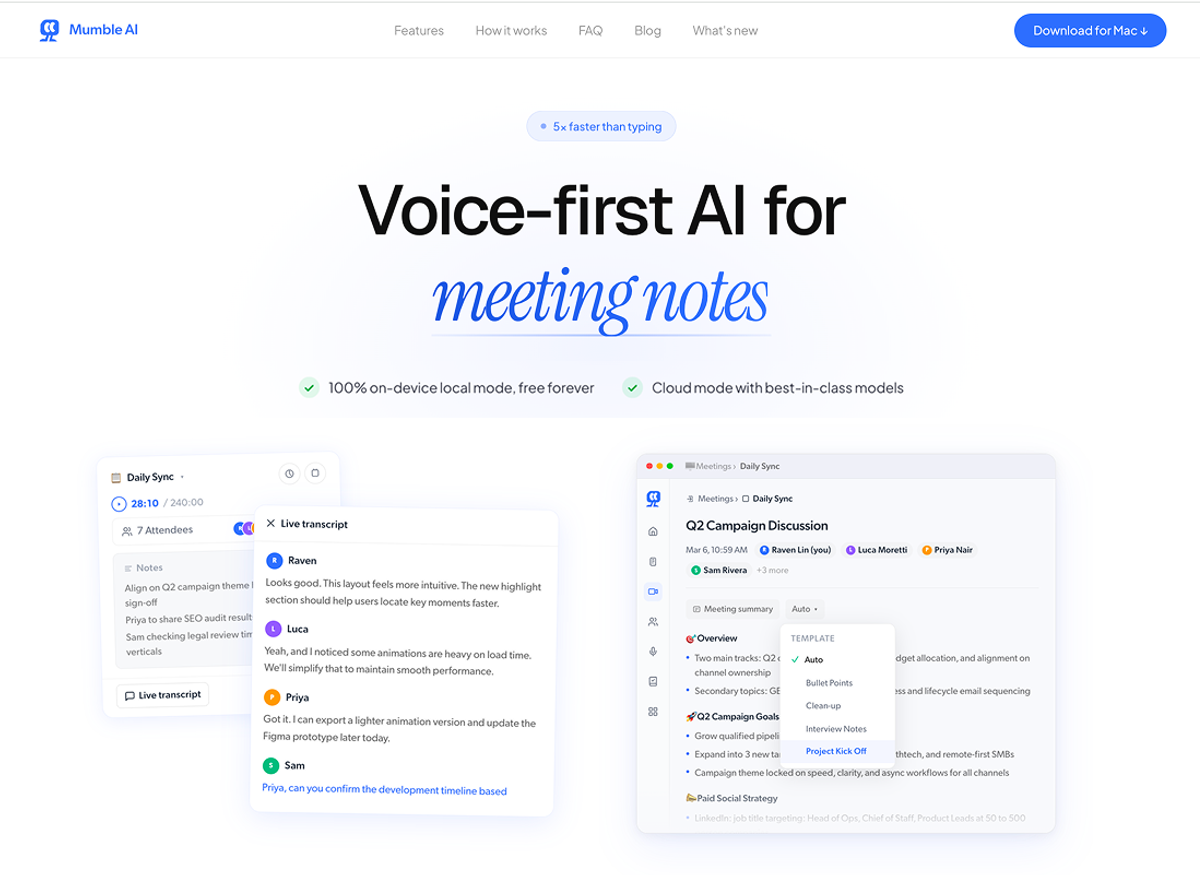
Best for: Mac users who want bot-free Google Meet recording with calendar auto-sync, and who care whether audio leaves their device.
Mumble AI is a voice-first Mac app that records Google Meet meeting notes without joining as a bot, auto-starts from your Google Calendar, and lets you choose between cloud processing or a fully local model that keeps audio on your Mac. It captures system audio directly, so the same setup also works for Zoom, Teams, and any Mac audio.
Unlike other tools on this list, Mumble AI is not only a meeting notes app. It also handles AI-organized voice notes in the same app; dictation is a separate app, Mumble Dictation. If your day involves both a meeting tool and a voice notes app, the structural difference is that Mumble AI covers both.
Key features:
- Google Calendar auto-sync. Recording starts on schedule with no bot joining the call.
- Cloud or Local model. Local mode requires Apple Silicon M1+ and 24GB unified memory, and keeps audio on-device end to end.
- Live transcript with speaker labels during the call, not only after.
Pricing: Free during open beta.
Where it falls short: Apple only (Mac and iOS). Local mode requires Apple Silicon M1+ with 24GB RAM; older Macs fall back to cloud mode.
2. Gemini "Take notes for me"
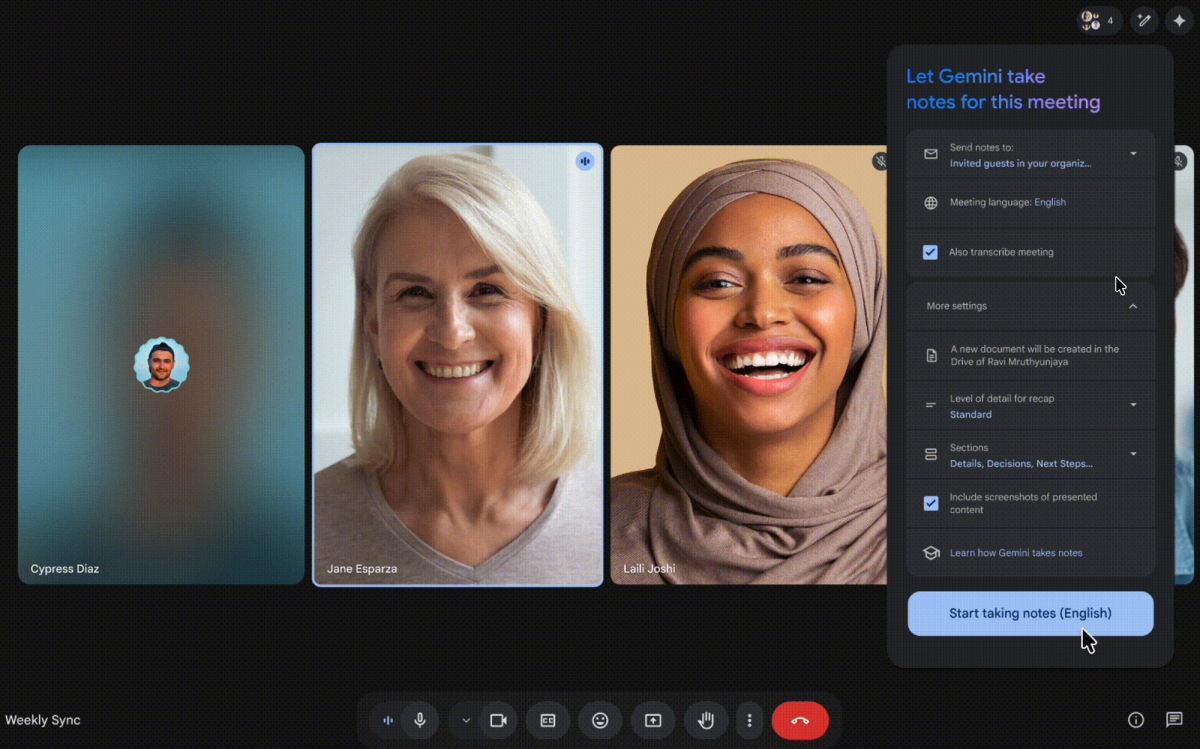
Best for: Teams fully inside Google Workspace whose plan includes Gemini and who mostly meet on Google Meet.
Google Gemini "Take notes for me" is the native option. During a Google Meet, the organizer clicks the Activities icon, selects "Take notes for me," and Gemini generates Google Meet AI notes including summaries, suggested next steps, and a transcript saved to Drive and attached to the Calendar event.
Key features:
- Native to Google Meet. No third-party bot or app.
- "Summary so far" for late joiners.
- Saves notes to Google Drive, attached to the Calendar event.
Pricing: Included in eligible Google Workspace plans with Gemini. Check Google's current plan availability.
Where it falls short: Supports 8 languages and only works inside Google Meet. No cross-meeting query across your history.
3. Granola
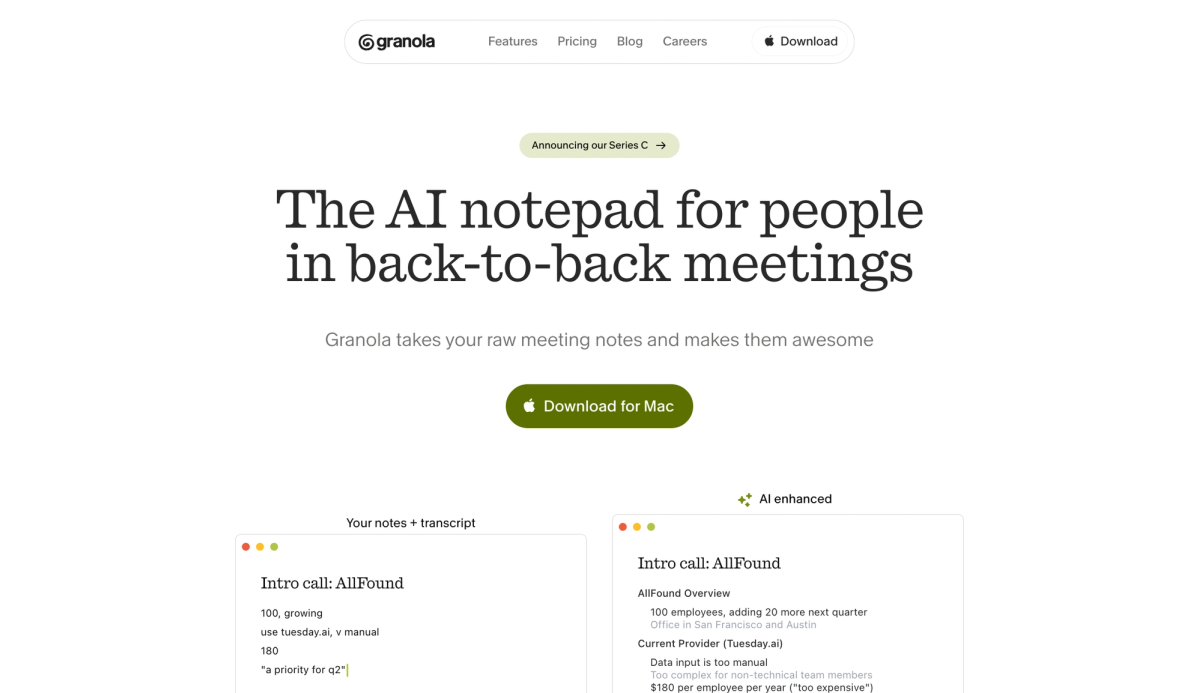
Best for: Knowledge workers who like taking their own rough notes and want AI to clean them up with context from the full transcript.
Granola is an AI notepad rather than a full auto-transcription tool. You jot rough notes during the meeting, and Granola enhances them afterward with detail from the transcript. It runs as a desktop app (Mac or Windows), captures device audio without a bot, and auto-starts from your Google Calendar.
Key features:
- Bot-free device audio capture with calendar auto-sync.
- Human-in-the-loop workflow. Your notes plus AI enhancement.
- Model training opt-out available on all plans including Free.
Pricing: Free plan available. Business $14/user/mo. Enterprise $35/user/mo.
Where it falls short: The live view lacks speaker labels, and AI-enhanced notes can misattribute quotes in larger group calls.
→ See our full Mumble vs Granola comparison
4. Fathom
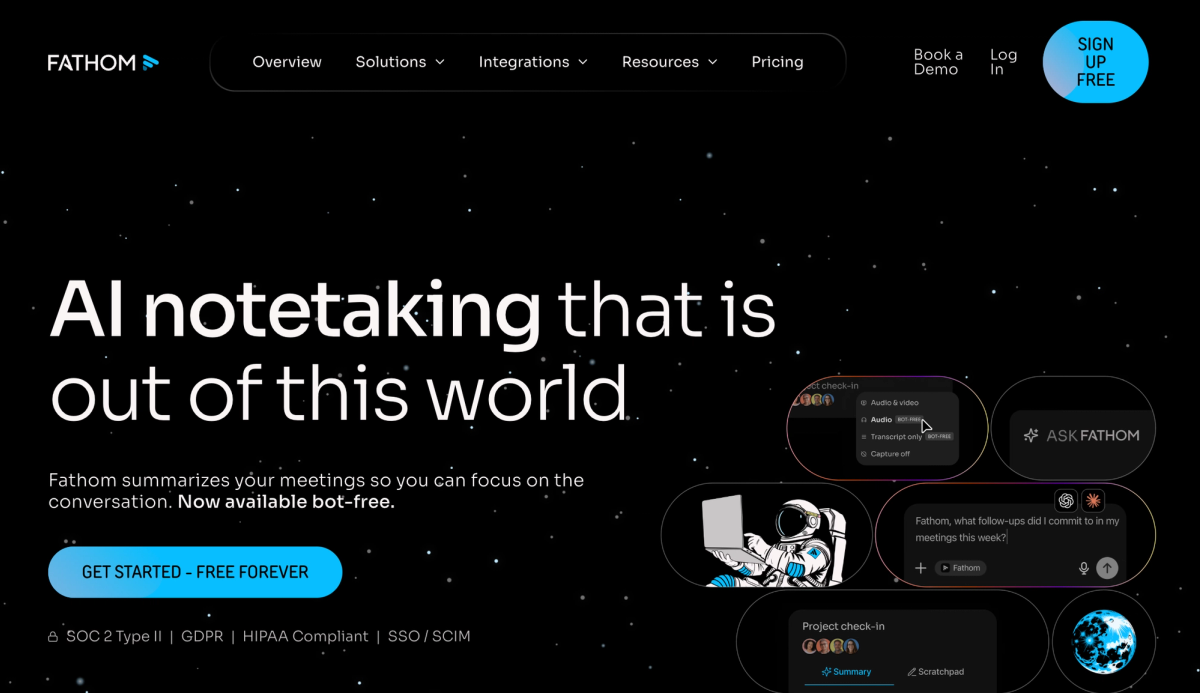
Best for: Solo users and small teams who want genuinely unlimited free recording and do not mind a visible bot.
Fathom has the most generous free tier on this list. The free plan includes unlimited recordings and transcriptions across Zoom, Google Meet, and Microsoft Teams. Per Fathom's current pricing page, the free plan also offers a choice of bot or bot-free capture (bot-free is in beta at the time of writing). A bot named "[Your Name]'s Fathom Notetaker" joins, records, and generates a summary shortly after the meeting ends.
Key features:
- Unlimited free recordings and transcriptions.
- Ask Fathom for querying past meetings in natural language.
- Works across Zoom, Google Meet, and Microsoft Teams.
Pricing: Free plan includes unlimited recordings and transcriptions. Paid plans around $19/mo and up; check Fathom's pricing page for current tiers.
Where it falls short: Bot-based and the Fathom Notetaker is visible in the call. No mobile app for phone or in-person recording.
5. Otter.ai
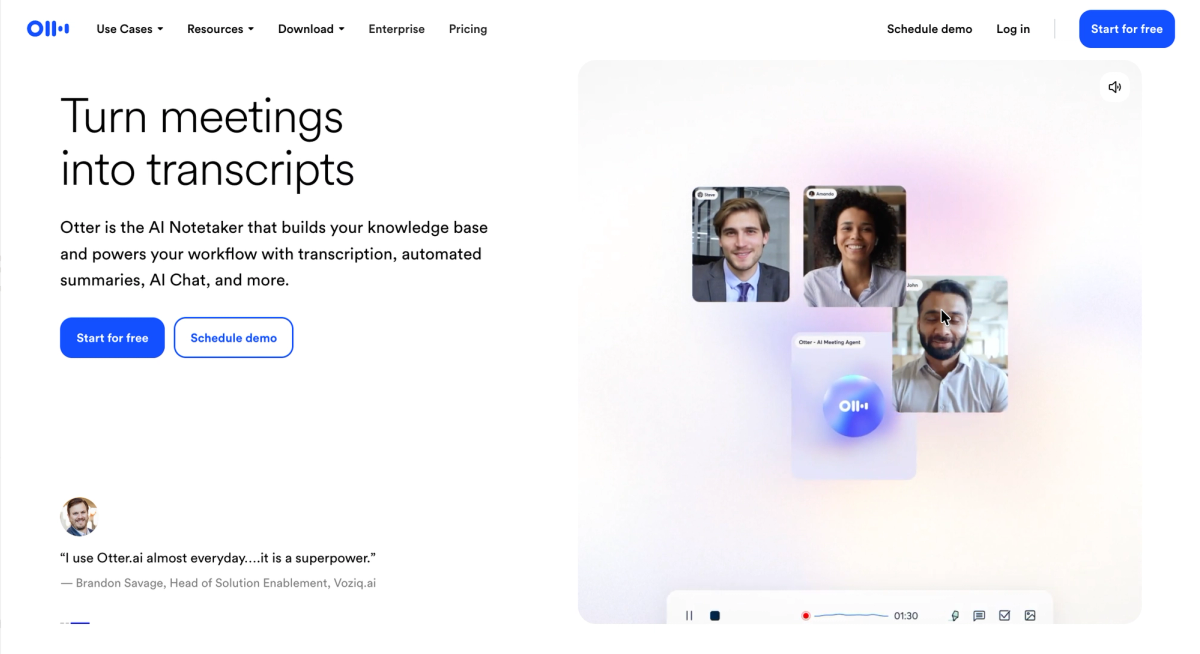
Best for: Individuals and small teams who want mainstream reliability, cross-platform support, and a polished mobile app.
Otter.ai has been around longest and is still a reasonable default if you want a recognizable brand with a mobile app and live in-meeting transcription. OtterPilot joins as a visible bot, records, and shows a live transcript in the Otter web app.
Key features:
- Live transcription with speaker identification during the meeting.
- Mobile apps for iOS and Android.
- Per Otter's help center, supported languages include English (US), English (UK), Japanese, Spanish, and French.
Pricing: Free (300 min/mo). Pro from $8.33/user/mo (annual). Business from $20/user/mo.
Where it falls short: Bot-based and free plan capped at 300 minutes per month. Review Otter's current privacy policy for client work.
→ See our full Mumble vs Otter AI comparison
6. Fireflies.ai
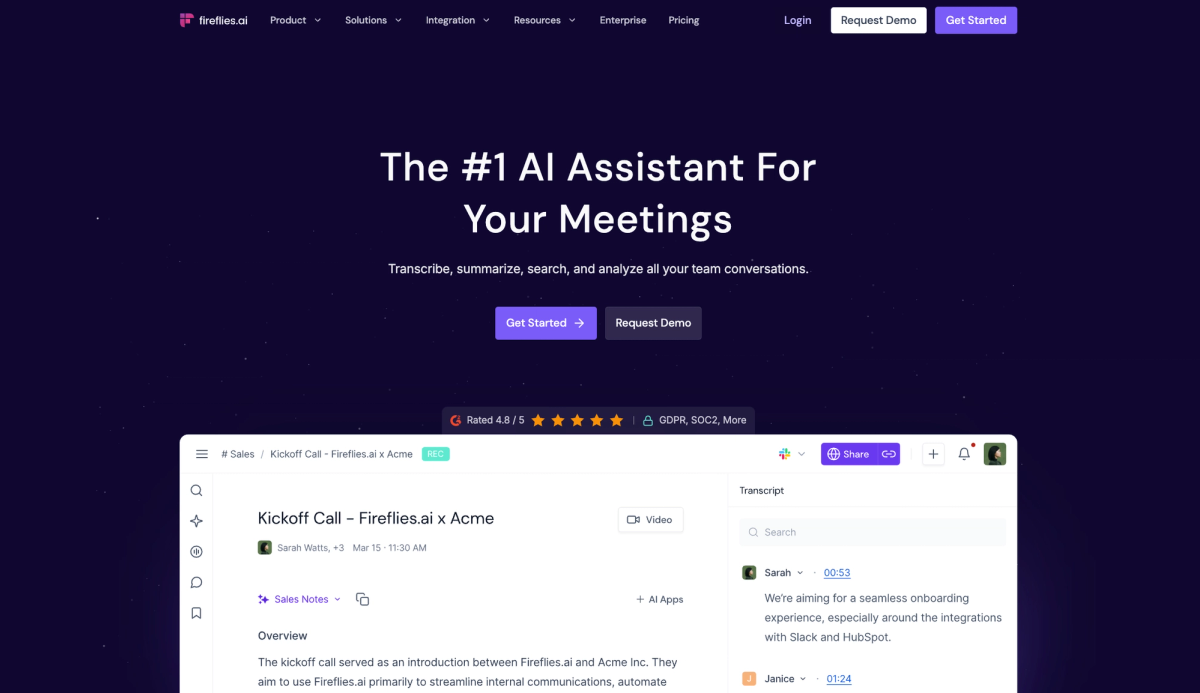
Best for: GTM teams that need meeting context in Salesforce or HubSpot without manual data entry.
Fireflies.ai positions itself as a conversation intelligence platform. A bot named "Fred" joins your Google Meet, records, transcribes, and pushes the summary to your CRM automatically.
Key features:
- 60+ languages with automatic language detection.
- Deep integrations with Salesforce, HubSpot, Slack, Notion, Zapier, and 58+ other platforms.
- AskFred for querying past conversations.
Pricing: Free plan available. Paid from $10/user/mo.
Where it falls short: Bot-based. Some users report billing and downgrade friction on paid plans; review terms before upgrading.
→ See our full Mumble vs Fireflies comparison
7. Fellow
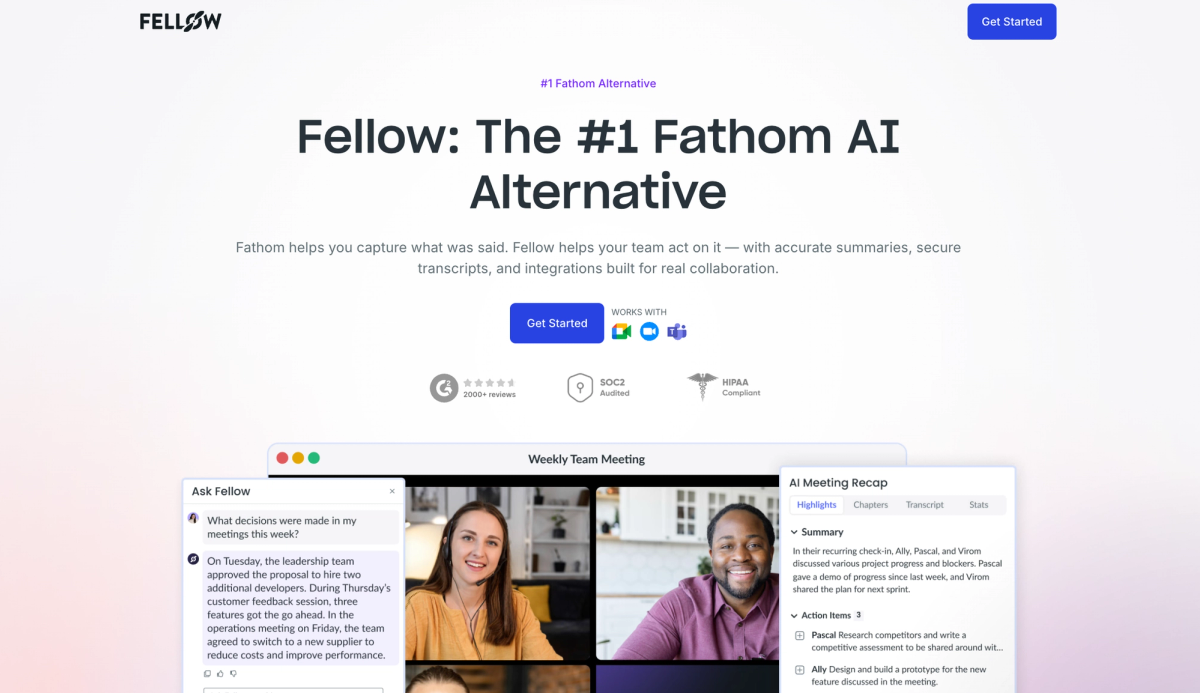
Best for: Mid-size and enterprise teams that need cross-platform support plus security certifications.
Fellow covers Google Meet, Zoom, Microsoft Teams, Slack huddles, and in-person meetings, supports both bot and botless recording, and maintains SOC 2 Type II, HIPAA, and GDPR certifications.
Key features:
- Broad language support with automatic detection (Fellow's pages cite 90+ languages, though exact counts vary across their documentation; check their help center for specifics).
- States it never trains on your data.
- 50+ native integrations plus 8,000+ via Zapier and n8n.
Pricing: Free plan available. Paid from $7/user/mo.
Where it falls short: Per-user pricing scales with team size. Botless mode requires specific configuration; default behavior is still bot-based.
8. Tactiq
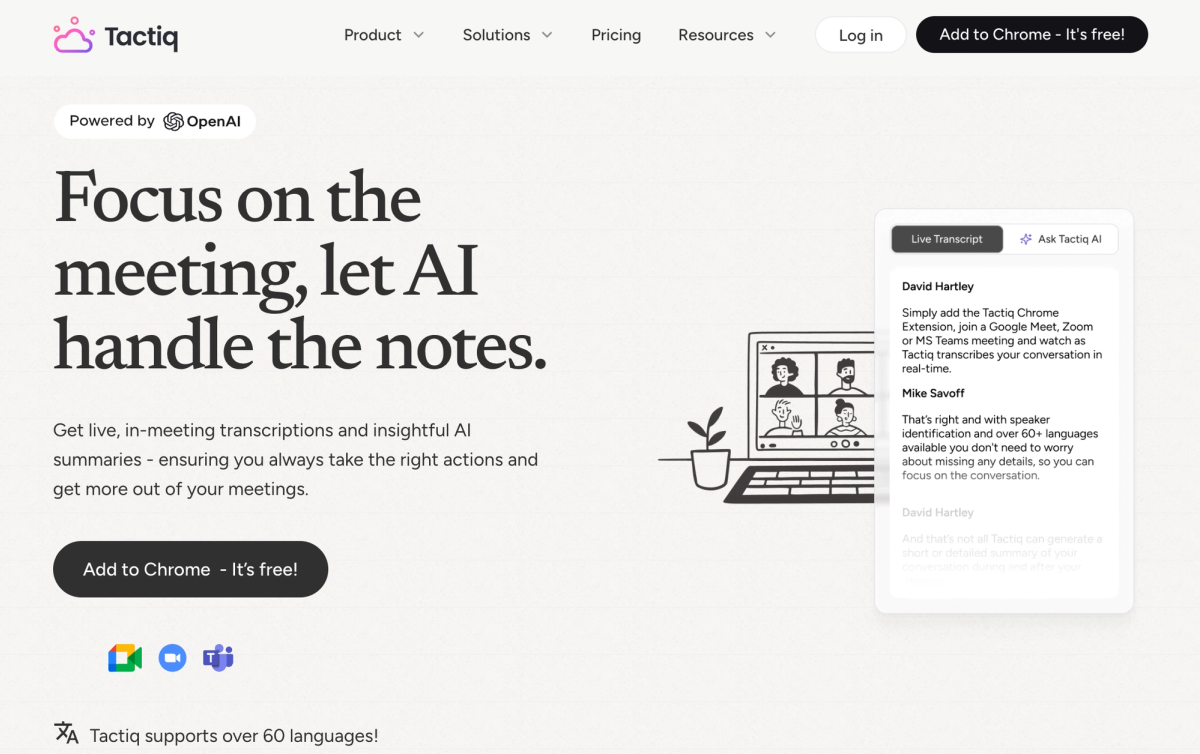
Best for: People who live in Chrome, want zero friction, and do not need a desktop app.
Tactiq is a Chrome extension that captures audio from your Google Meet tab and shows a live transcript in the browser. No bot joins the call.
Key features:
- Bot-free browser audio capture.
- Live transcript visible during the meeting.
- 30+ languages.
Pricing: Free plan available. Paid from $8/mo.
Where it falls short: Chrome-only with no calendar auto-record. Free tier limits AI features to 5 credits and 10 transcripts per month per Tactiq's current pricing page.
9. tl;dv
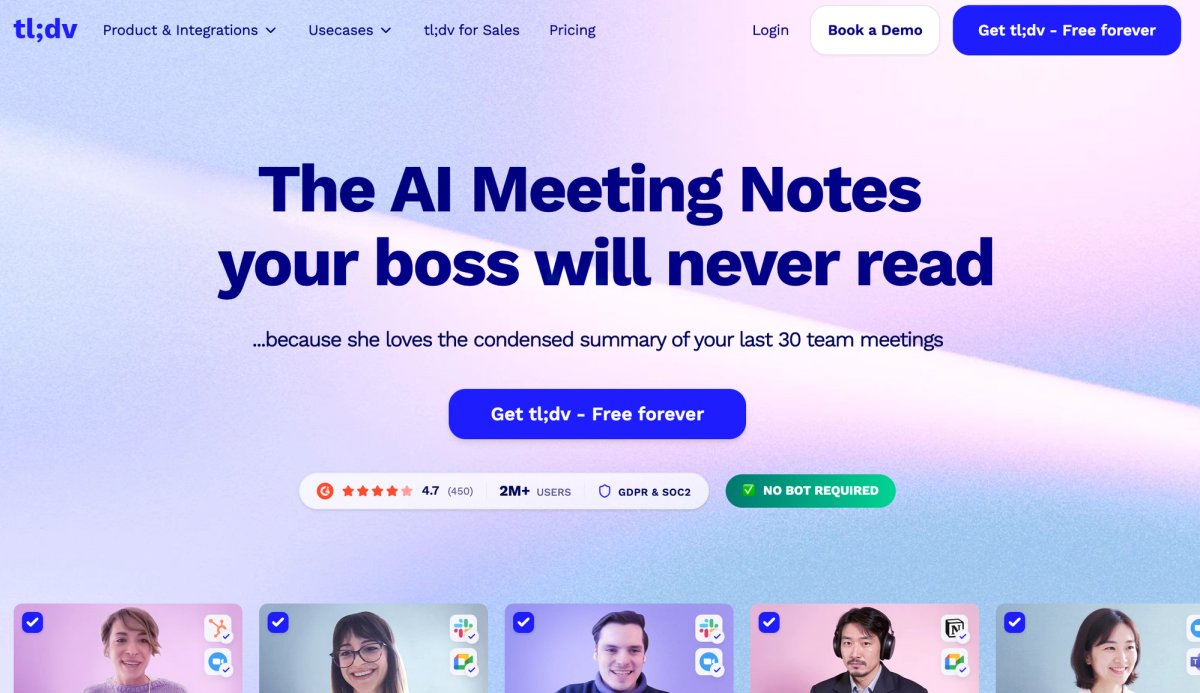
Best for: Sales managers who coach reps and share "golden minute" clips with stakeholders.
tl;dv stands out for timestamped video clips and sales coaching analytics. Its 2026 change adds a desktop app for bot-free recording alongside the traditional Chrome extension bot.
Key features:
- Both bot and bot-free modes.
- Timestamped video with clickable clips.
- Sales coaching features (playbook adherence, objection tracking, talk time).
Pricing: Free plan available. Paid plans vary; check current tiers on tl;dv.
Where it falls short: Video storage consumes significant space for frequent users. Desktop bot-free mode is newer and less feature-complete than bot mode.
10. Jamie
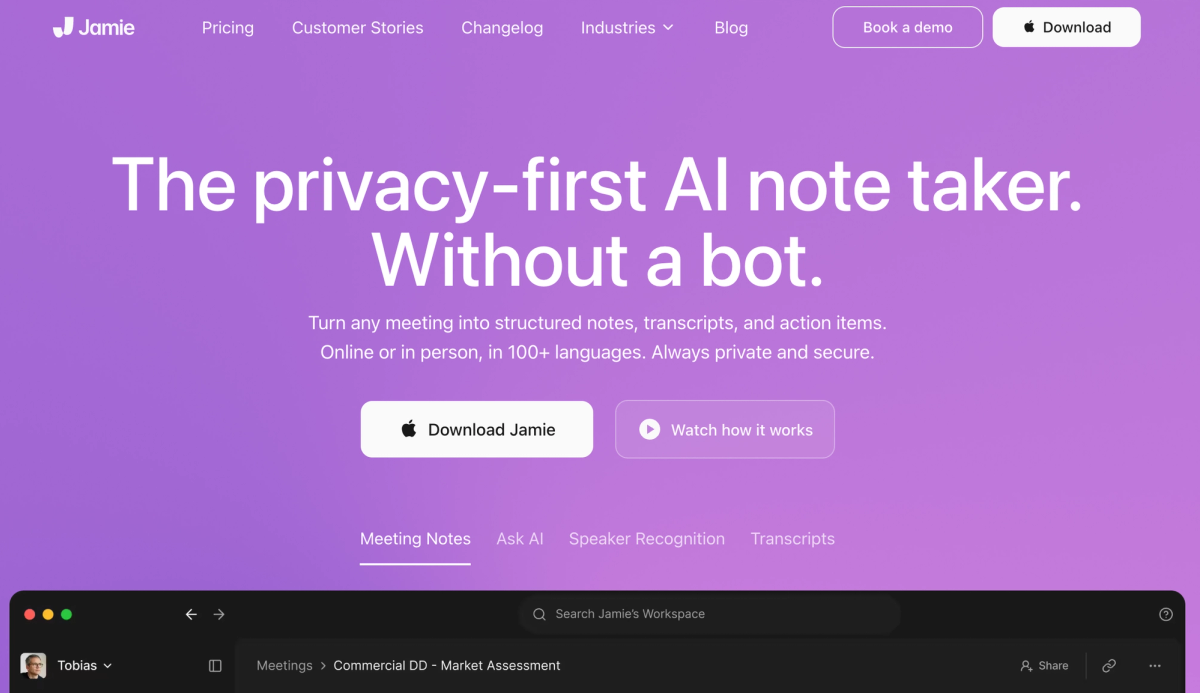
Best for: EU-based teams and anyone whose compliance team specifically asks about GDPR and data residency.
Jamie targets European teams with bot-free recording, EU data residency, and GDPR compliance as core positioning. Native apps for Mac, Windows, and iOS.
Key features:
- Bot-free across any video platform.
- EU data residency option.
- Per Jamie's documentation, meeting audio is deleted after transcription.
Pricing: Free plan available (check current limits). Paid from around $24/mo.
Where it falls short: No live transcript during the meeting. Audio still goes to Jamie's cloud for transcription before deletion, not true on-device processing.
11. Read AI
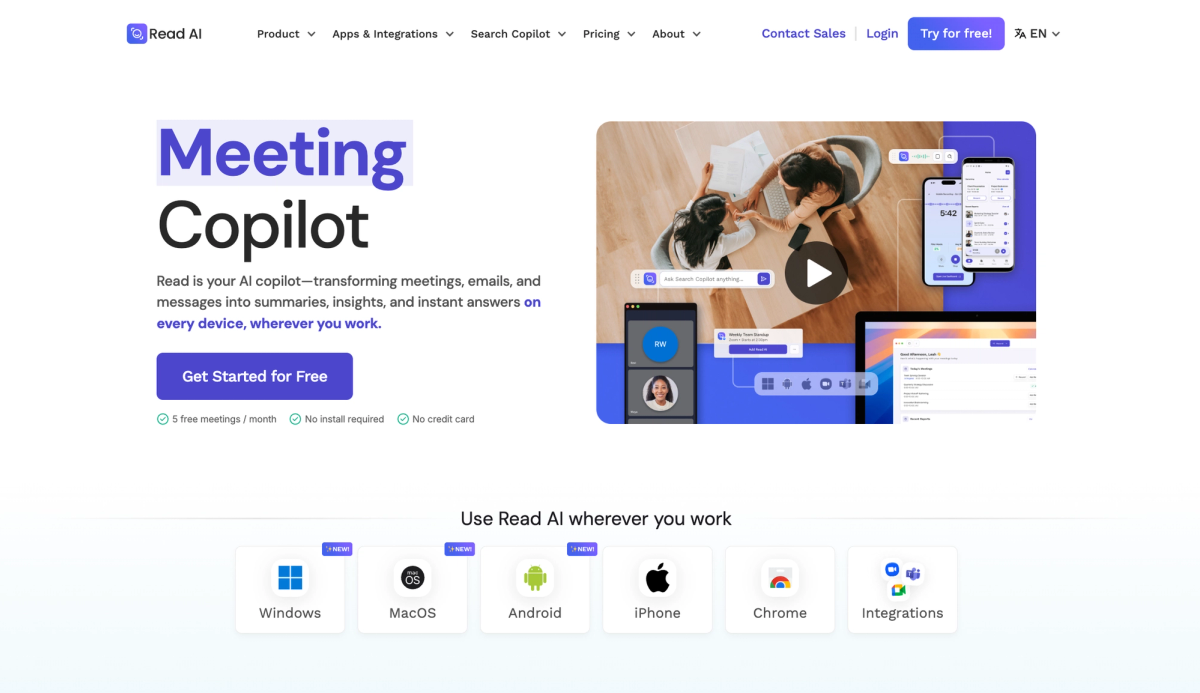
Best for: Leads juggling many channels who want a consolidated daily recap across meetings, email, and chat.
Read AI summarizes Google Meet calls, email threads, and chat messages in one feed. The free plan includes 5 meeting transcripts per month with summaries and search; paid tiers unlock unlimited transcripts, video playback, and premium integrations.
Key features:
- Meeting plus email plus message summaries in one feed.
- Smart scheduling recommendations based on meeting history.
- Google Calendar integration updates events with engagement scores.
Pricing: Free plan (5 meeting transcripts per month). Pro starts at $15/user/mo (annual). Enterprise tiers priced higher; check Read's pricing page for current terms.
Where it falls short: G2 rating sits lower than most tools on this list (around 3.9/5), and the free plan is limited to 5 meeting transcripts per month.
12. Krisp
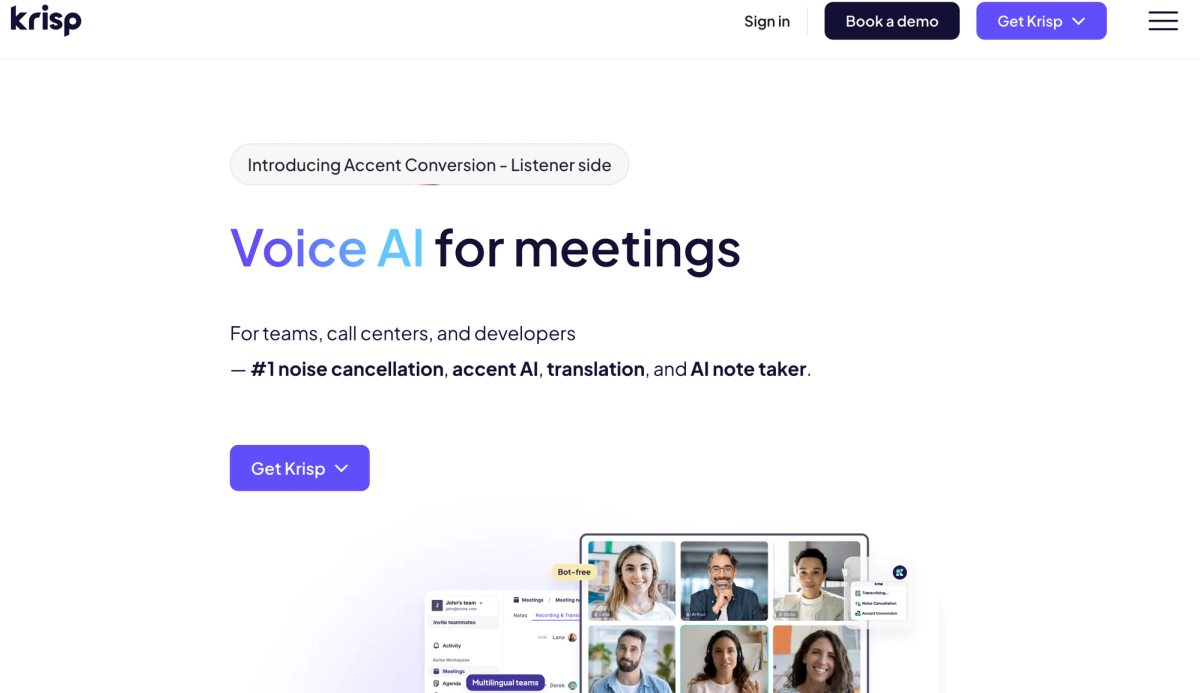
Best for: Teams with noisy environments, international audio quality issues, or privacy needs that a bot-based tool cannot meet.
Krisp processes audio before transcription. It cancels background noise and echo on both sides of the call, so the transcript starts from cleaner input. It installs as a virtual microphone and speaker on your Mac or Windows machine. No bot joins the call.
Key features:
- Bot-free background audio layer across any conferencing platform.
- Two-sided noise cancellation and echo removal.
- English transcription runs on-device, with additional server-based transcription languages (Krisp's page currently lists 16 total).
Pricing: Free trial with all features (check current trial terms). Paid from $8/mo.
Where it falls short: AI summary capabilities are less developed than specialist tools. The selling point is audio quality, not meeting intelligence.
Comparison table
| Tool | Bot or Bot-free | Calendar Auto-record | Local Processing | Cross-platform | Live Transcript | Free Plan | Starting Paid Price |
|---|---|---|---|---|---|---|---|
| Mumble AI | Bot-free | Yes | Yes (Apple Silicon M1+, 24GB RAM) | Yes | Yes | Yes (Beta, open) | Beta |
| Google Gemini | Native (no bot) | Yes | No | No (Google Meet only) | No | Included with eligible Workspace + Gemini plans | Part of Workspace plan |
| Granola | Bot-free | Yes | No | Yes | Partial | Free plan available | $14/user/mo |
| Fathom | Bot-based (bot-free in beta) | Yes | No | Yes | Yes | Yes (unlimited recordings) | $19/mo |
| Otter.ai | Bot-based | Yes | No | Yes | Yes | Yes (300 min/mo) | $8.33/user/mo |
| Fireflies.ai | Bot-based | Yes | No | Yes | Partial | Yes | $10/user/mo |
| Fellow | Both options | Yes | No | Yes | Yes | Yes | $7/user/mo |
| Tactiq | Bot-free | No | No | Chrome only | Yes | Yes (limited AI credits) | $8/mo |
| tl;dv | Both options | Yes | No | Yes | Yes | Yes | varies |
| Jamie | Bot-free | Yes | No | Yes | No | Yes | from $24/mo |
| Read AI | Bot-based | Yes | No | Yes | Yes | Yes (5 transcripts/mo) | $15/user/mo |
| Krisp | Bot-free | Partial | No | Yes | Yes | Free trial | $8/mo |
Bot-free vs bot-based for Google Meet
Bot-based tools (Fathom, Otter, Fireflies, Fellow, Read AI, tl;dv in bot mode) auto-join your call as a visible participant and typically offer the deepest CRM and analytics features. The trade-off: the bot is visible, it can add admission friction on external Google Meet calls, and it is awkward in sensitive contexts.
Bot-free tools (Mumble AI, Granola, Tactiq, Jamie, Krisp) capture audio from your device directly. No bot joins, no warning, no extra participant. Some bot-free tools (Tactiq, Krisp) do not auto-record from your calendar, so you have to remember to start them. Integrations are often lighter.
Quick rule of thumb: bot-based wins for CRM-heavy sales workflows. Bot-free wins for external client meetings, interviews, and sensitive calls.
Cloud vs local processing
Most tools in this list, including bot-free ones, upload audio to the cloud for transcription. Bot-free and on-device processing are not the same thing. Granola, Jamie, Tactiq, and Krisp are all bot-free, but your audio still leaves your device to reach their transcription servers.
Training data is a separate question. Granola offers opt-out on all plans. Fellow states it never trains on your data. Some vendors' policies are less explicit. Read carefully if your work involves confidential information.
True on-device processing means the audio, transcription, and summary all run on your Mac. Of the 12 tools, only Mumble AI offers this as a first-class option, with the hardware requirement of Apple Silicon M1+ and 24GB unified memory for the local model. The trade-offs are real: newer Apple hardware required, sometimes slower for very long meetings, smaller model library. But at a moment where every AI company is expanding what it collects for training, "audio never leaves my Mac" is an increasingly valuable property.
How to choose
- If you run external client calls or handle sensitive meetings: go bot-free.
- If your Workspace plan includes Gemini and you only use Google Meet: use the native "Take notes for me" first.
- If you need CRM sync or enterprise compliance: pick a bot-based tool like Fireflies or Fellow.
- If you want a free plan that actually lasts: Fathom for unlimited cloud recording and transcription, or Mumble AI's local mode is fully free during open beta.
FAQ
Does Google Meet have a built-in AI note taker?
Yes. Google Meet includes a native AI note taker called "Take notes for me," powered by Gemini. During a Google Meet, the host, co-host, or in some cases internal participants can turn on "Take notes for me," depending on the meeting's host control settings. Gemini generates a summary, suggested next steps, and a transcript saved to Google Drive and attached to the Calendar event. It requires an eligible Google Workspace subscription with Gemini access and currently supports 8 languages.
Is Google Meet transcription enough, or do you need a third-party AI note taker?
For basic use, Google Meet's built-in features may be enough. Live captions display in real time during any call, and "Take notes for me" generates a post-meeting summary and transcript for Workspace customers with Gemini. Where Google's native option falls short: it only works inside Google Meet (not Zoom or Teams), supports a limited set of languages, and does not give you a searchable knowledge base across all your past meetings. If you run back-to-back calls across platforms, need speaker-labeled transcripts, or want to query past meetings with natural language, a dedicated third-party AI note taker will cover more ground.
What is the best free AI note taker for Google Meet?
It depends on what you want free. For genuinely unlimited cloud recording and transcription, Fathom is the most generous free plan on this list. For a bot-free Mac app with local processing at no cost, Mumble AI is free during its open beta. For an AI notepad with unlimited meetings on the free tier, Granola fits. Tactiq is a reasonable free option if you only need a lightweight Chrome extension.
Is there a Google Meet note taker without a bot?
Yes. Several tools are Google Meet note takers without bot participants. Mumble AI, Granola, Jamie, and Krisp capture audio from your device directly. Tactiq and tl;dv's desktop mode capture without joining the call. A Google Meet note taker without bot attendance avoids admission friction on external calls, which is one reason many teams prefer it for client meetings and interviews.
Can I use an AI note taker for Google Meet without installing a Chrome extension?
Yes. Mumble AI, Granola, Jamie, and Krisp are native desktop apps that work with any Mac or Windows audio, no Chrome extension needed. Tactiq is the main Chrome-only option in this list. Most bot-based tools (Fathom, Otter, Fireflies, Fellow) auto-join via calendar integration without requiring a browser extension.
Does any AI note taker auto-record from my Google Calendar without a bot?
Yes. Mumble AI and Granola both read your Google Calendar and auto-start recording at the scheduled time without joining the call as a participant. This is rare. Most bot-free tools require manual trigger, and most auto-join tools are bot-based.
Which AI note takers process audio locally and do not send it to the cloud?
Of the tools in this list, Mumble AI is the only one with a fully local processing option (requires Apple Silicon M1+ and 24GB unified memory). Some tools describe themselves as "privacy-first" but still upload audio to their cloud for transcription before deleting it. The labels "bot-free," "private," and "local" mean different things, so verify the specific workflow with each vendor.
Is my Google Meet audio used to train AI models?
It depends on the tool. Granola offers model training opt-out on all plans including Free. Fellow states it never trains on customer data. Some vendors' policies are less explicit or require opting out manually on specific plans. Read each vendor's current privacy policy and terms of service.
If you would rather skip the meeting bot entirely, see our full roundup of local AI meeting note takers for Mac.