10 Best Otter AI Alternatives I Actually Tested (2026)
Otter.ai works, but it is not the only good option, and for a lot of people it is no longer the best one. If you are leaving because of the bot that announces itself in every call, the 300-minute free cap, or the fact that everything you say is processed on someone else's servers, there are alternatives built differently. I tested 10 of them across real meetings.
Here is the short version, by what you most need:
- Best bot-free option for Mac: Mumble AI
- Best collaborative AI notepad: Granola
- Best bot-free option for Windows: Jamie
- Best free plan for recording: Fathom
- Best for sales teams in a CRM: Fireflies.ai
- Best for team meeting management: Fellow
A note on bias: Mumble AI is our own product, so I am not a neutral party. I have still listed real tradeoffs for it, and there are several cases below where another tool is the better fit. The "Best for" labels exist so you can skip my ranking and pick what matches your situation.
Pricing and free-plan limits below were checked against each company's pricing page in May 2026. That matters more than usual right now, because Granola, Fathom, and tl;dv all tightened their free plans in the first half of 2026, and most articles still quote the old numbers.
Why look for an Otter AI alternative?
Otter is a capable transcription tool. Most people who look for an alternative are not leaving because it fails at the basics. They leave for one of four specific reasons, and which reason is yours determines which tool you should switch to.
The bot. Otter records meetings by sending OtterPilot into the call as a visible participant. On internal standups nobody cares. On a client call, a sales demo, or a sensitive HR conversation, an AI participant that everyone can see changes the room. Several tools on this list record without ever joining the call.
The minute caps. Otter's free plan gives you 300 transcription minutes a month and stops transcribing at the 30-minute mark of any single conversation. Most professional meetings run longer than 30 minutes, so the free plan quietly cuts off halfway through. Paid plans raise the ceiling but never remove the metering model entirely below the Business tier.
Privacy and where the audio goes. Otter is cloud-based. Your meeting audio is uploaded, transcribed, and stored on Otter's infrastructure. For many people that is fine. For lawyers, healthcare workers, therapists, and anyone discussing unreleased or regulated information, "fine" is not good enough, and a tool that can process audio on the device itself is worth more than any feature.
Cost at scale. Otter Business runs $19.99 per user per month on annual billing. For a team, that adds up, and the category has moved toward cheaper or differently priced options since Otter set its prices.
If your main issue is OtterPilot, start with the bot-free tools below. If your main issue is privacy, look specifically for on-device processing, not just a tool that promises "secure cloud storage," because those are different things. And if none of these four reasons is yours, Otter is genuinely fine and you can skip to the last section.
How I tested these tools
I ran each tool through real meetings rather than scoring it off a feature page. For every tool I looked at four things: whether it records with or without a bot and how that feels to other participants, how accurate and well-structured the transcript and AI notes are, what the free plan actually lets you do before it asks for money, and where the audio and transcript are processed and stored. Pricing and free-plan details reflect each company's own pricing page as of May 2026.
The 10 Otter AI alternatives at a glance
| Tool | Recording method | Platform | Processing | Free plan |
|---|---|---|---|---|
| Mumble AI | Bot-free | Mac, iOS | Cloud or on-device | Free Cloud and Local mode available |
| Granola | Bot-free | Mac, Windows | Cloud | 25 notes total |
| Jamie | Bot-free | Mac, Windows | Cloud | 10 meetings/mo, 30-min limit |
| Bluedot | Bot-free | Chrome extension | Cloud | 5 meetings total |
| Circleback | Bot or bot-free | Desktop, mobile | Cloud | No free plan, 7-day trial |
| Fellow | Bot or bot-free | Web, mobile | Cloud | 5 AI notes + 5 recordings per user |
| Fireflies.ai | Bot | Web, mobile | Cloud | 800 min storage, limited AI |
| Read.ai | Bot | Web, Mac, Windows, mobile | Cloud | 5 meetings/mo |
| Fathom | Bot | Web | Cloud | Unlimited recording, limited AI summaries |
| tl;dv | Bot | Web | Cloud | Unlimited recording, limited AI notes |
Pick this table apart slowly, because "Free plan" is where most comparison articles go stale. Several of these free plans let you record without limit but cap the part you actually want, the AI summary. The per-tool reviews below explain what each free plan really gets you, and the FAQ covers it again in plain terms.
Quick picks: which Otter AI alternative for which need
| If you need | Best pick |
|---|---|
| A bot-free Otter alternative for Mac | Mumble AI |
| An Otter alternative for team notetaking | Granola |
| A bot-free option that also runs on Windows | Jamie |
| The most generous free recording plan | Fathom |
| An alternative built for sales teams | Fireflies.ai |
| A platform for running better meetings | Fellow |
| Flexible bot or bot-free capture per meeting | Circleback |
1. Mumble AI: Best for Mac users who want bot-free notes with an on-device option
Note (August 2026): The Mumble AI Mac app is being redesigned and is not available for download right now. Mumble Note, the iOS app, is available on the App Store. We will update this section when the Mac app is back.
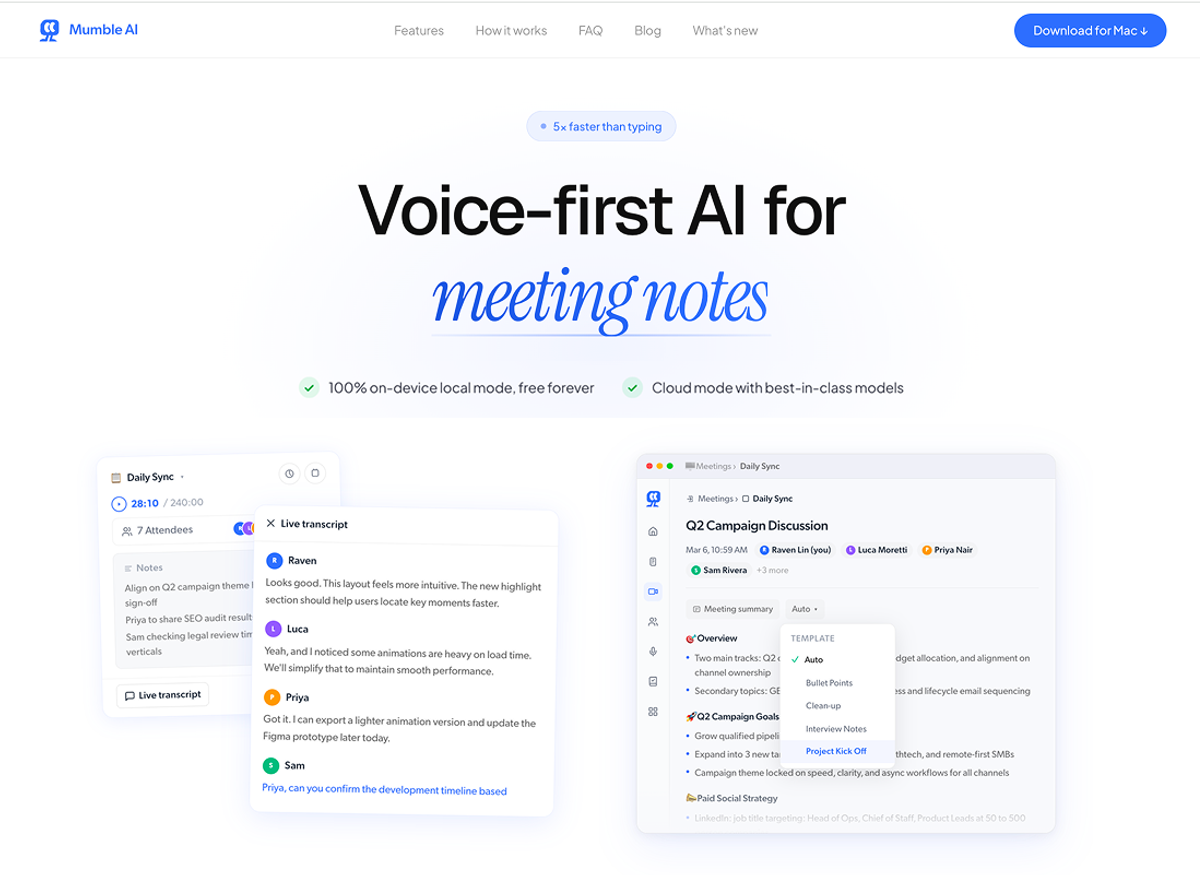
Mumble AI records meetings on your Mac without a bot, transcribes them live with speaker labels, and generates structured notes. It also covers voice notes; dictation is a separate app, Mumble Dictation. It launched on iOS recently and is Mac-only on desktop.
What stood out in testing. In practice, the biggest difference from Otter is that Mumble feels invisible in the meeting. There is no extra participant to explain, and the transcript appears with speaker labels while the call is still happening, rather than after processing finishes. The second thing that stood out is the processing choice. Mumble lets you pick a cloud model or a local model, and the local model runs entirely on your Mac, so the audio never leaves the device. That is a different privacy posture from "we encrypt your data on our servers," and on a sensitive call it is the feature that ends up mattering most. The local model needs Apple Silicon (M1 or newer) and 24GB of unified memory; the cloud model has much lighter hardware requirements.
It is worth being precise about the word "local," because it gets used loosely in this category. Some bot-free tools capture audio on your device but still send it to the cloud for the AI step. Mumble's local model does both the capture and the processing on-device. If on-device processing is the reason you are switching, that distinction is the whole point.
The meeting notes themselves are detailed: summary, decisions, action items, and key discussion points. You can apply templates, so a 1:1, a standup, and a client call each produce differently structured output instead of one generic block of text. And because Mumble also handles dictation and voice notes, a meeting transcript sits in the same place as the rough idea you dictated that morning, which helps if you think of notes as one pile rather than something scattered across three apps. If you want a direct feature-by-feature breakdown, we put together a side-by-side comparison of Mumble and Otter.
Best for: Mac users who want bot-free meeting notes, value an on-device processing option for sensitive conversations, and would rather have meetings and voice notes in one app.
Pros
- Records without a bot; nothing joins the call
- Live transcript with speaker labels during the meeting
- Genuine on-device processing option, not just encrypted cloud
- Meeting templates for structured, repeatable notes
- One app for meetings and voice notes
- Free plan available with the local model
Cons
- Mac and iOS only; no Windows version, so mixed-OS teams cannot standardize on it
- The local model needs Apple Silicon and 24GB of unified memory, which rules out older Macs
- Newer than Otter, so the ecosystem of integrations is smaller
When another tool makes more sense. If anyone on your team is on Windows, Mumble cannot cover them, and Jamie or a bot-based tool is the better call. If you want a shared, multi-editor team notepad, Granola is built more for that.
2. Granola: Best AI notepad for back-to-back meetings
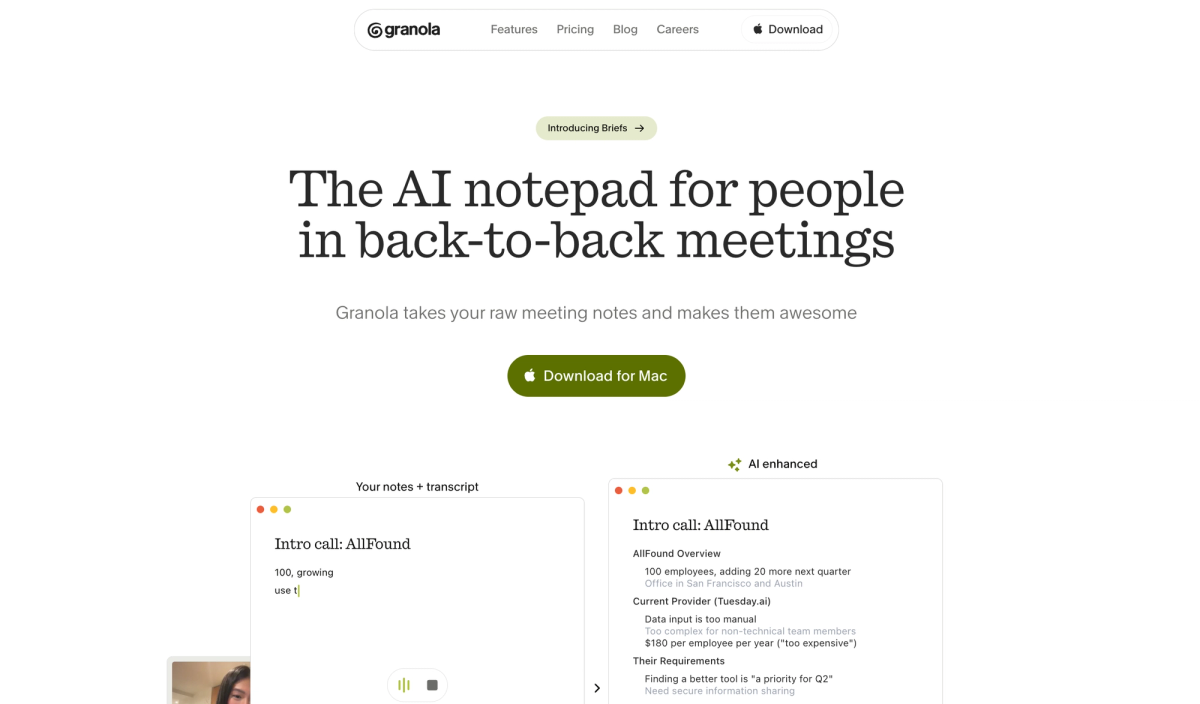
Granola is a bot-free meeting tool built around a notepad. You type rough notes during the call, and Granola's AI fleshes them out afterward using the transcript, so your own notes stay and the AI fills the gaps. It captures system audio directly from your Mac or Windows machine, so nothing joins the call.
What stood out in testing. The notepad model is genuinely different from a pure transcribe-and-summarize tool. If you are someone who already jots notes in meetings, Granola feels natural to use. One thing to be clear about: Granola captures audio locally but processes the AI step in the cloud, so it is bot-free but not on-device. Granola also restructured its pricing in early 2026, and the free plan is now much tighter than it used to be. If you are weighing the two directly, here is how Mumble and Granola compare.
Best for: People in back-to-back meetings who already take their own rough notes and want AI to clean them up.
Pros
- Clean, fast notepad interface
- Bot-free; captures system audio with no call participant
- Works on both Mac and Windows
Cons
- Free plan is capped at 25 notes total, not per month, and shows only 14 days of history
- AI processing happens in the cloud, so it is not an on-device option
- Built for meeting notes only; no dictation or general voice capture
When another tool makes more sense. If you want on-device processing, Granola's cloud step rules it out. If you do not naturally take notes during calls, a transcribe-and-summarize tool fits better.
3. Jamie: Best bot-free option for Windows and in-person meetings
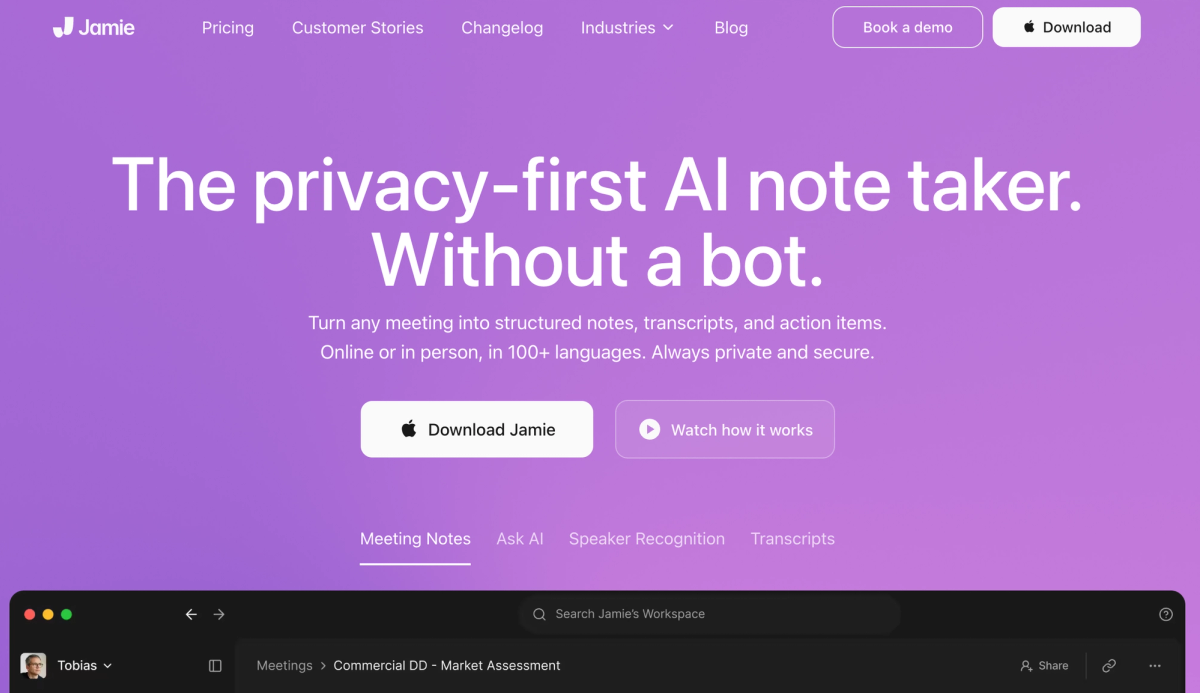
Jamie is a bot-free meeting assistant from Berlin that records, transcribes, and summarizes without joining the call. It works on both Mac and Windows, and because it captures audio locally it also handles in-person meetings, not just video calls.
What stood out in testing. Jamie is the most mature bot-free tool that is genuinely cross-platform, which makes it the natural pick for a mixed-OS team that wants to avoid bots. The summaries and action item detection are solid. Jamie's free plan covers 10 meetings per month with a 30-minute limit per meeting. Paid plans are priced in euros and currently start at around EUR 21 per month on annual billing for the Plus tier, with higher tiers above that.
Best for: Windows users, mixed-OS teams, and anyone who needs bot-free recording for in-person meetings.
Pros
- Bot-free, works on Mac and Windows
- Records in-person meetings, not only video calls
- Clean summaries and reliable action item detection
Cons
- Free plan limits you to 10 meetings a month with a 30-minute cap per meeting
- No on-device processing option
- Meeting notes only; no dictation or voice notes
When another tool makes more sense. If you are Mac-only and want on-device processing, Mumble fits better. If you need a generous free plan, Jamie's 10-meeting cap is tight.
4. Bluedot: Best lightweight bot-free recording for Chrome users
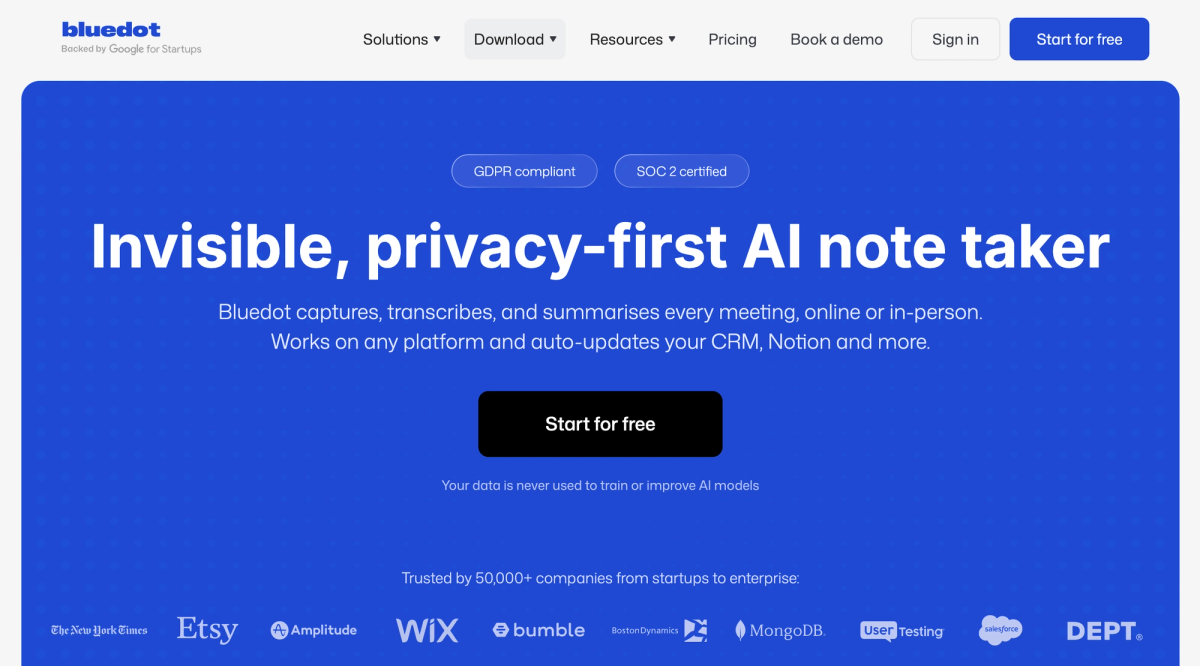
Bluedot is a bot-free AI note-taker that runs as a Chrome extension. It records Google Meet, Zoom, and Teams calls without a visible bot, then generates transcripts and summaries, and it can also do screen recording, which is unusual for a bot-free tool.
What stood out in testing. Setup is fast and the notes come back well-structured. The thing to know is that Bluedot is a browser extension, not a native desktop app, and it has no mobile app. It works through Chrome, and the AI notes are generated in the cloud. For someone who lives in the browser that is fine; for someone who wants a native Mac app it is a real difference.
Best for: Chrome-based users who want quick bot-free recording and occasional screen capture.
Pros
- Bot-free recording with a fast setup
- Screen and video recording, uncommon among bot-free tools
- Well-structured notes and AI follow-up emails
Cons
- Chrome extension only; no native desktop app and no mobile app
- Free plan is 5 meetings total, closer to a trial than a free tier
- Cloud processing only
When another tool makes more sense. If you want a native app or on-device processing, Mumble or Jamie fit better. If you need a real free plan, Bluedot's 5-meeting cap will not last.
5. Circleback: Best for flexible capture across virtual and in-person meetings
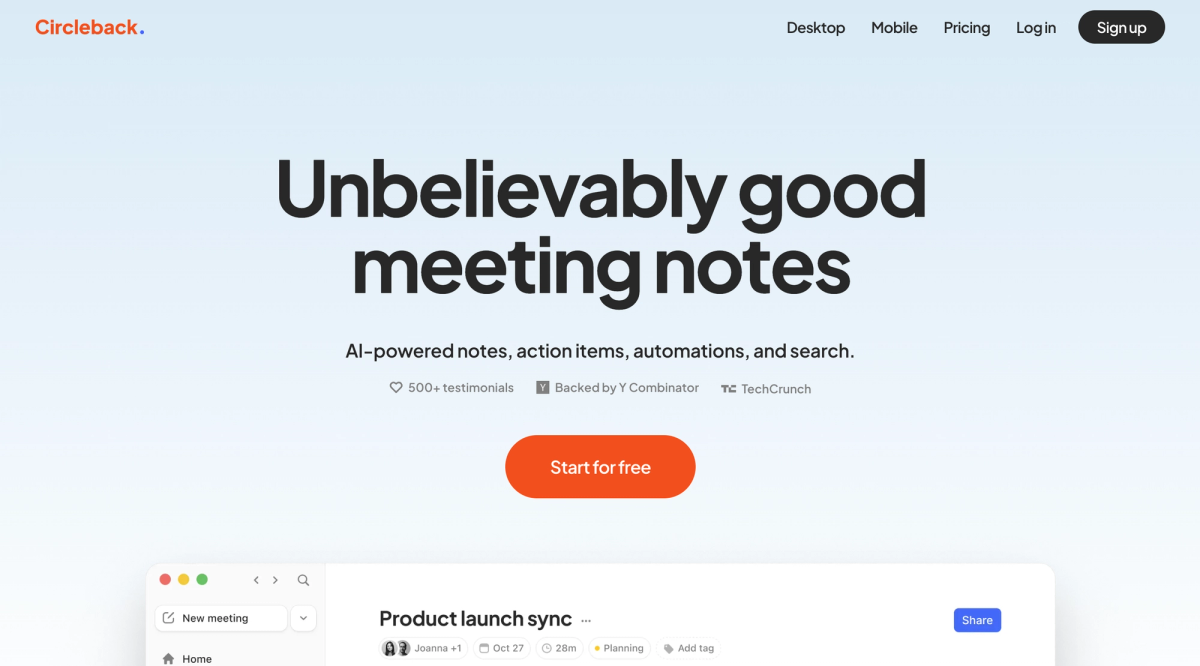
Circleback is a meeting tool that supports both capture methods: it can send a bot into a call, or record without one through its desktop and mobile apps. It generates notes, action items, and automations, supports 100+ languages, and emphasizes accurate speaker identification.
What stood out in testing. The flexibility is the point. If you have a mix of virtual calls where a bot is fine and sensitive calls where it is not, Circleback does not force one method on you. The action item detection and automations are strong. The catch is pricing: there is no free plan, only a 7-day trial, and the Individual plan starts at $20.83 per user per month on annual billing, which is at the higher end of this list.
Best for: People whose meetings span virtual, in-person, and async, and who want to choose bot or bot-free per meeting.
Pros
- Both bot and bot-free capture, chosen per meeting
- Strong action item detection and workflow automations
- 100+ languages, with desktop and mobile apps
Cons
- No free plan, only a 7-day trial
- Among the more expensive options here
- Cloud processing only
When another tool makes more sense. If you want to try a tool properly before paying, the lack of a free plan is a real barrier, and Fathom or Fellow let you start free.
6. Fellow: Best for teams that want meeting structure, not just notes
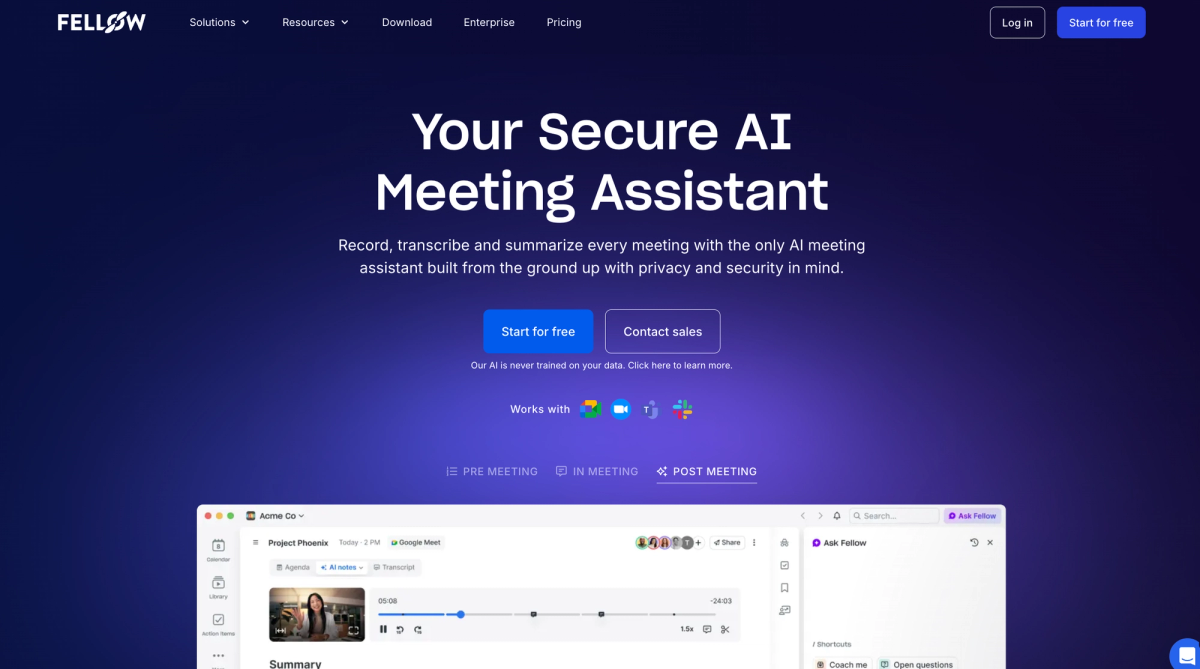
Fellow is a meeting management platform. It does AI transcription and summaries, but its real focus is the meeting itself: collaborative agendas, action item tracking across meetings, and 1:1 management. It supports both bot and bot-free recording.
What stood out in testing. Fellow is less a note-taker and more a system for running better meetings. If your problem is not "I need a transcript" but "our meetings are unstructured and follow-ups get lost," Fellow is built for exactly that. The free plan is more of a trial for the AI features: it gives each user 5 AI notes and 5 AI recordings, both lifetime limits rather than monthly. The Team plan starts at $7 per user per month on annual billing ($11 monthly).
Best for: Teams that want to fix meeting culture, with agendas and accountability, not just capture audio.
Pros
- Both bot and bot-free recording
- Collaborative agendas and cross-meeting action item tracking
- Strong project management and CRM integrations on paid tiers
Cons
- More tool than a solo user needs; the value depends on team meeting rituals
- Free plan's AI notes and recordings are capped at 5 each per user, for the life of the account
- Cloud only, and note-taking is one feature among many rather than the core focus
When another tool makes more sense. If you are a solo user who just needs a transcript, Fellow is more than you need, and a focused tool like Fathom or Mumble fits better.
7. Fireflies.ai: Best for sales teams that live in a CRM
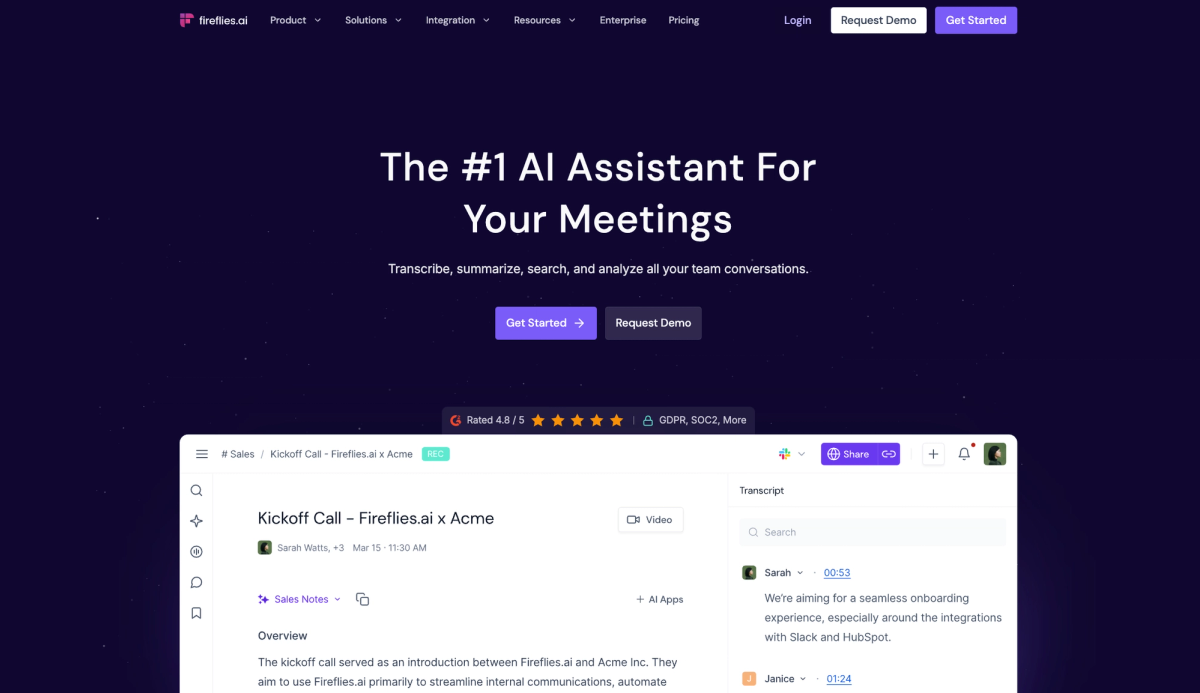
Fireflies.ai is a bot-based meeting assistant built around conversation intelligence and CRM workflows. A bot joins your calls, transcribes them, and the platform layers search, analytics, and CRM sync on top.
What stood out in testing. Fireflies is strongest for sales and customer-facing teams that want meeting data flowing into Salesforce or HubSpot automatically. The free plan gives you 800 minutes of storage but a limited pool of AI credits, so the AI features run out faster than the storage does. The Pro plan starts at $10 per user per month on annual billing. If you are choosing between the two, here is Mumble compared with Fireflies.
Best for: Sales and customer success teams that want conversation intelligence and automatic CRM updates.
Pros
- Strong CRM integrations and conversation analytics
- 100+ language support
- Affordable annual Pro pricing
Cons
- Bot-based recording
- Free plan's AI features are gated behind a small credit pool
- Cloud only
When another tool makes more sense. If a visible bot is a dealbreaker, Fireflies is not your tool, and the bot-free options above fit better.
8. Read.ai: Best for meeting analytics and engagement insights
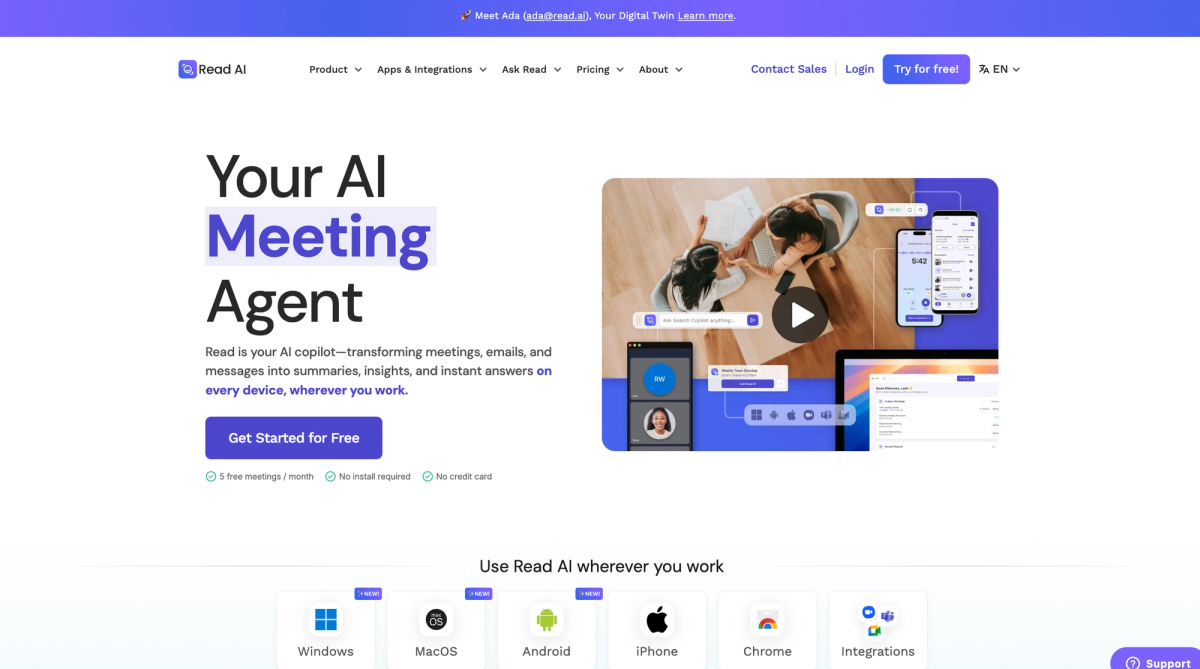
Read.ai is a bot-based meeting assistant that goes beyond transcripts into conversation analytics. Alongside summaries and action items, it scores engagement, gives speaker analytics, and offers search across meetings, emails, and messages.
What stood out in testing. Read.ai is built for people who want data about their meetings, not just a record of them, with engagement scores and coaching feedback layered on top of the transcript. Two things to know. It records with a visible bot, and some users have reported the bot joining calls they did not expect, so it is worth checking your calendar settings. The free plan covers 5 meeting transcripts per month, and the Pro plan starts at $15 per user per month on annual billing.
Best for: People who want meeting analytics, engagement scoring, and cross-meeting search rather than just notes.
Pros
- Meeting analytics, engagement scores, and coaching feedback
- Search across meetings, emails, and messages
- Desktop and mobile apps across Windows, Mac, Android, and iOS
Cons
- Bot-based, and users have reported unexpected bot joins
- Free plan is limited to 5 meetings per month
- Cloud only, with no on-device option
When another tool makes more sense. If you only want clean meeting notes and not the analytics layer, Read.ai is more than you need, and a simpler tool will cost less.
9. Fathom: Best free plan for unlimited recording
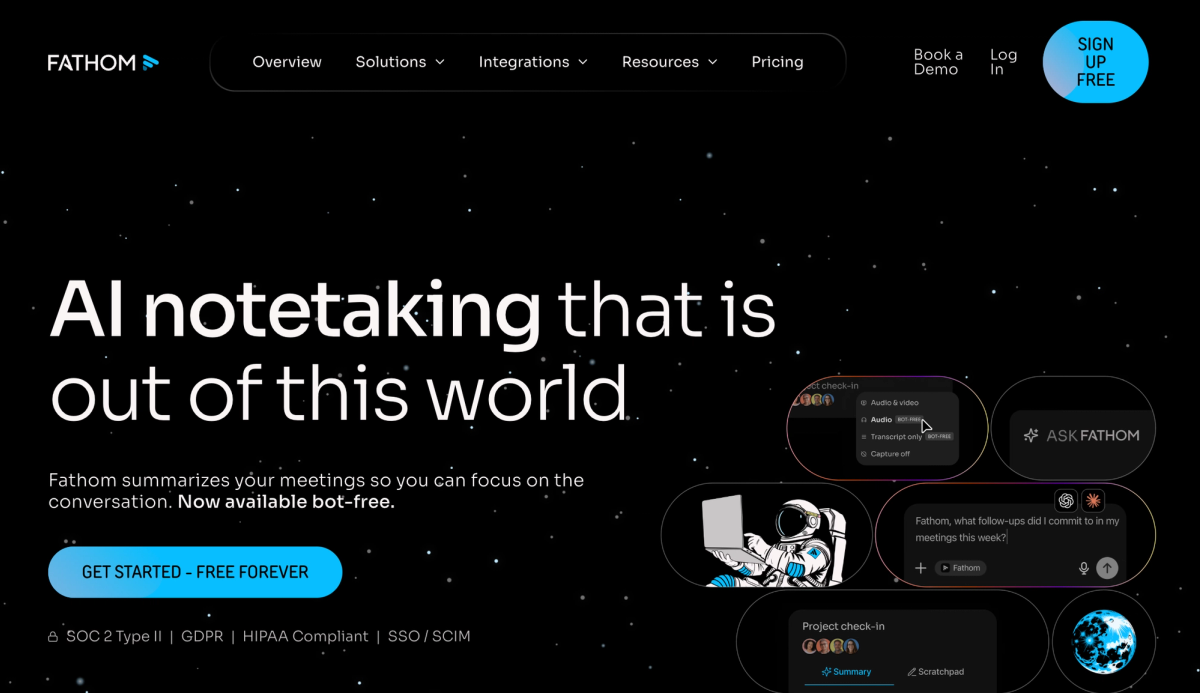
Fathom is a bot-based tool known for an unusually generous free tier. The free plan gives you unlimited call recording, transcription, and storage.
What stood out in testing. The free recording really is unlimited, which is rare in this category. There is one limit worth knowing, and most articles miss it: on the free plan, advanced AI summaries are limited to 5 per month. You still get unlimited recordings and transcripts, and basic summaries, but the more structured AI summaries and action items are capped. So Fathom is the best free plan if you mainly want recordings and transcripts, and a paid plan (Premium starts around $16 per month on annual billing) if you want full AI summaries on every call.
Best for: Individuals who want unlimited free recording and transcription and only need advanced AI summaries occasionally.
Pros
- Genuinely unlimited free recording, transcription, and storage
- Simple, fast setup
- Accurate transcription in clean audio
Cons
- Bot-based recording
- Free plan limits advanced AI summaries to 5 per month
- No mobile app, so no in-person capture; cloud only
When another tool makes more sense. If you need bot-free recording, Fathom uses a bot, and the tools higher on this list fit better.
10. tl;dv: Best for individuals who want a simple recorder
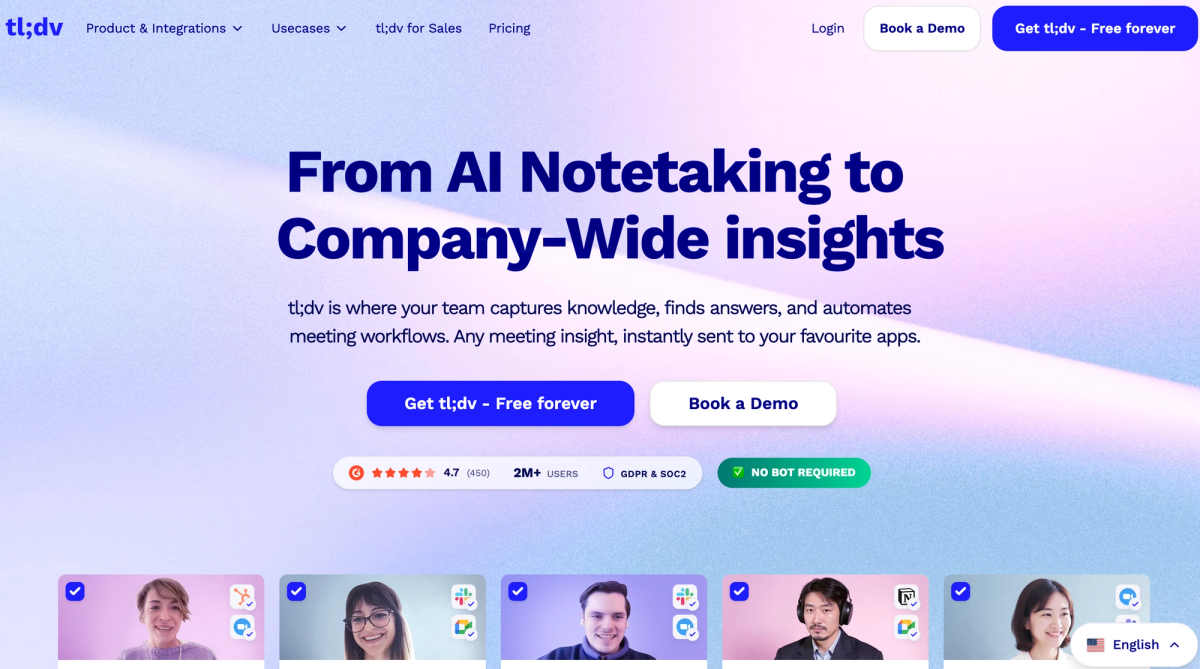
tl;dv is a bot-based tool aimed at individuals and freelancers, with an easy interface and unlimited free recording.
What stood out in testing. Like Fathom, tl;dv's free recording is unlimited, and like Fathom the catch is the AI layer. The free plan includes unlimited recordings and transcripts but a limited number of AI notes, so the automated summaries run out before the recording does. Free recordings are also deleted after 3 months. The Pro plan starts at $18 per user per month on annual billing. It is a clean, simple tool, as long as you know the free AI allowance is limited.
Best for: Individuals and freelancers who want a straightforward recorder and only occasionally need AI notes.
Pros
- Unlimited free recording and transcription
- Easy to learn, clean interface
- 30+ languages
Cons
- Bot-based recording
- Free plan's AI notes are limited
- Free recordings deleted after 3 months; cloud only
When another tool makes more sense. If you need to keep recordings longer than 3 months on a free plan, or want bot-free recording, look higher on this list.
How to choose the right Otter AI alternative
Ten tools is a lot. Here is the shortcut. Start with the one thing about Otter that made you look for an alternative, and let that decide.
If the bot is the problem. You do not want an AI participant visible in client calls or sensitive conversations. Look at the bot-free tools: Mumble AI, Granola, Jamie, and Bluedot all record without joining the call. Among these, pick by platform: Mumble if you are on a Mac, Jamie if anyone is on Windows, Bluedot if you live in Chrome.
If privacy is the problem. You handle regulated, confidential, or unreleased information and "stored encrypted on a vendor's servers" is not enough. This narrows the field sharply. Most tools here are cloud-based, meaning the audio is uploaded for processing no matter how it was captured. Mumble AI is the option on this list with a genuine on-device model, where both capture and AI processing happen on your Mac and the audio never leaves it. If on-device processing is your actual requirement, that is the deciding feature, and our guide to local AI meeting note takers for Mac goes deeper on how it works.
If the free plan running out is the problem. You want to record without paying. Be careful here, because "free" means different things. Fathom gives unlimited free recording but limits advanced AI summaries to 5 per month. tl;dv gives unlimited free recording but a limited pool of AI notes. Read.ai's free plan stops at 5 meetings a month. If you mainly need recordings and transcripts, Fathom is the most generous. If you need AI summaries on every meeting, no free plan will carry you long, and a cheap paid tier is the honest answer.
If cost at scale is the problem. You are buying for a team and Otter Business at $19.99 per user adds up. Fellow at $7 per user per month and Fireflies at $10 per user per month are the budget-friendly paid options. Granola at $14 sits in the middle with a stronger collaborative notepad.
If you want meetings and voice memos in one tool. Mumble AI covers meetings and voice notes; dictation is a separate app, Mumble Dictation. Every other tool on this list is meeting-notes-only.
When should you just stay with Otter?
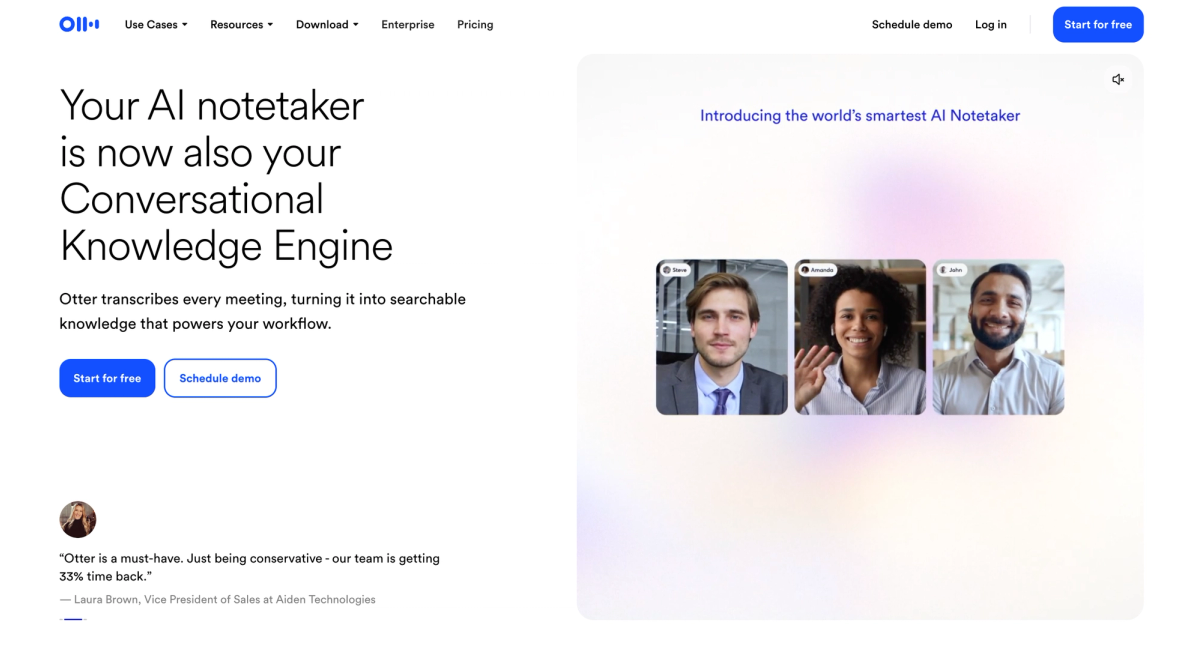
Not everyone reading this should switch. Otter does the core job well, the live transcription is reliable, it is widely integrated, and the annual Pro price of $8.33 per user per month is genuinely low. If a meeting bot does not bother you or the people you meet with, if your meetings fit inside the minute caps or you are on a paid tier that lifts them, and if cloud processing is fine for the kind of conversations you have, then Otter is a reasonable place to stay. The tools on this list are alternatives, not upgrades for everyone. They are better than Otter for specific reasons, and if none of those reasons is yours, switching just adds friction.
Frequently asked questions
Is there anything better than Otter AI?
It depends on what you need Otter to do. For bot-free recording, Mumble AI, Granola, and Jamie are better because nothing joins your call. For an on-device privacy option, Mumble AI is stronger because it can process audio without uploading it. For unlimited free recording, Fathom is more generous. Otter is still a solid choice if a meeting bot and minute caps do not bother you, so "better" really means "better for your specific reason for leaving."
Is there a free version of Otter AI?
Yes. Otter's free Basic plan gives you 300 transcription minutes per month with a 30-minute cap per conversation, plus 3 lifetime file imports and a limited number of monthly AI Chat queries. The 30-minute conversation cap is the catch: it stops transcribing partway through most full-length meetings. It is enough to evaluate Otter, not enough for regular professional use.
Is there a free AI to transcribe audio?
Yes, several. The most generous for recording is Fathom, which offers unlimited free recording and transcription, though its advanced AI summaries are limited to 5 per month. tl;dv also offers unlimited free recording, with a limited pool of AI notes. Mumble AI has a free plan that includes its local model. Jamie's free tier covers 10 meetings a month. The pattern across the category: free recording is common, but unlimited free AI summaries are not, so check the AI limit, not just the recording limit.
Which is better, Otter or Fireflies?
They are close, and the difference is workflow. Otter is strong at real-time transcription and team collaboration through its chat feature. Fireflies is built around conversation intelligence and CRM sync, which makes it the better fit for sales and customer success teams that want meeting data flowing into Salesforce or HubSpot. Both use a bot. If a bot is a dealbreaker, neither is your answer, and you should look at the bot-free tools above.
What is the best Otter AI alternative for Mac?
For Mac specifically, Mumble AI is built as a native Mac app with bot-free recording, live speaker-labeled transcripts, and an on-device processing option. Granola and Jamie also run on Mac and are good bot-free choices, though both process the AI step in the cloud. Bot-based tools like Otter and Fireflies work on Mac through the browser but are not Mac-native apps.
Which Otter AI alternative does not use a meeting bot?
Mumble AI, Granola, Jamie, and Bluedot all record without a bot. They capture audio from your device rather than joining the call as a participant, so no extra attendee appears. Circleback and Fellow support bot-free recording as an option alongside a bot. The tradeoff with bot-free recording is that it depends on a desktop app or browser extension running on your machine, rather than a bot the platform manages.
What is the best Otter AI alternative for confidential meetings?
For genuinely confidential meetings, the question is where the audio is processed, not just how it is captured. Most tools, including most bot-free ones, send audio to the cloud for the AI step. Mumble AI is the option on this list with a true on-device model, where audio is both captured and processed on your Mac and never uploaded. For lawyers, healthcare workers, and anyone under confidentiality or compliance obligations, on-device processing is a stronger guarantee than any cloud security certification.
Are these Otter AI alternatives free to try?
Most are. Mumble AI, Granola, Jamie, Bluedot, Fireflies, Fathom, tl;dv, and Read.ai all have free plans, though the limits vary widely, from Fathom's unlimited recording to Bluedot's 5-meeting trial. Fellow has a free plan that gives each user 5 AI notes and 5 recordings. Circleback is the exception with no free plan, only a 7-day trial. Check each free plan's real limit before committing, because as covered above, "free" ranges from genuinely usable to barely a trial.
Do these tools work with Zoom, Google Meet, and Microsoft Teams?
Yes, all 10 work with Zoom, Google Meet, and Microsoft Teams. The bot-free tools capture device audio, so they are effectively platform-agnostic and also work with Webex, Slack Huddles, and any other app producing audio on your computer. Bot-based tools integrate directly with the major meeting platforms. If your meetings are mostly on Google Meet, our guide to AI note takers for Google Meet covers the options in more detail.
The bottom line
Otter AI is not a bad tool. It is a cloud-based, bot-based transcription tool, and if that description does not bother you, you do not need to switch. But if you read this far, something about Otter is not working for you, and the right alternative depends entirely on what that something is.
If it is the bot, go bot-free: Mumble AI, Granola, or Jamie. If it is privacy, Mumble AI is the one option here that can keep audio on your device. If it is the free plan, Fathom records the most for nothing, as long as you can live with 5 advanced AI summaries a month. If it is cost for a team, Fellow and Fireflies are the affordable paid tiers. And if you are on a Mac and want meeting notes, dictation, and voice notes to live in one place rather than three, that is the specific case Mumble AI was built for.
Whatever you pick, check the current pricing and free-plan limits before you commit. This category changed its pricing more than once in the first half of 2026, and it will change again.