8 Best Wispr Flow Alternatives in 2026 for Dictation, Privacy, and Offline Use
I tested 8 AI dictation apps from a Mac user's perspective, comparing price, privacy, custom prompts, and offline support.
Updated September 14, 202617 min
The best Wispr Flow alternative depends on what you actually need: a free plan without a weekly word cap, fully local processing, custom prompts that reshape your speech, or a tool that turns speech into something more useful than raw text. Wispr Flow is a capable dictation app, but it's subscription-priced and cloud-first, which rules it out for some people. Below are eight alternatives I tested, with honest notes on who each one is for, plus a look at how Wispr Flow itself compares.
I tested these on macOS, so the hands-on notes are written from a Mac user's view. Several of the tools below also run on Windows, iOS, or Android, and I've flagged that where it matters.
Why look for a Wispr Flow alternative
Wispr Flow works well, and plenty of people are happy with it. But three things send users looking elsewhere.
The first is price. Wispr Flow's free Basic plan caps you at 2,000 words per week, which is roughly 15 to 20 minutes of speech. Most people who dictate daily blow through that in one or two work sessions, and the Pro plan runs $15 per month, or $12 per month billed annually ($144 a year). Over three years that adds up to more than $400, according to public pricing on wisprflow.ai.
The second is privacy. Wispr Flow is a cloud-first dictation tool, and it does not currently advertise a fully offline local mode on its public product or pricing pages. If keeping voice data on your own device matters to you, that's worth weighing before you subscribe.
The third is what happens after transcription. Wispr Flow is built to be a fast voice keyboard. If you want dictation that also acts on what you said, opening a site, sending a question to an AI, or translating on the fly, you are looking for a different kind of tool.
Privacy mode vs offline mode
Before the list, one distinction worth getting straight, because dictation tools blur it constantly.
Not all "private" dictation tools mean the same thing. Some tools protect privacy by not storing your data after it's processed in the cloud. That's a retention policy. Others protect privacy by not sending the audio off your device in the first place. That's local processing. Those are different tradeoffs, and a "privacy mode" or "zero retention" promise is not the same as offline.
If you work with sensitive calls, client names, legal notes, medical notes, or internal company information, look for a tool with a genuine fully local mode, not just a privacy mode or a zero-retention policy. With local processing, the audio never leaves your machine, so there's nothing in the cloud to retain, leak, or subpoena in the first place. With this guide, I've tried to separate those three things, since most Wispr Flow alternative roundups lump cloud privacy, zero retention, and true offline processing together.
The 8 best Wispr Flow alternatives
1. Mumble Dictation: best on-device AI dictation for Mac
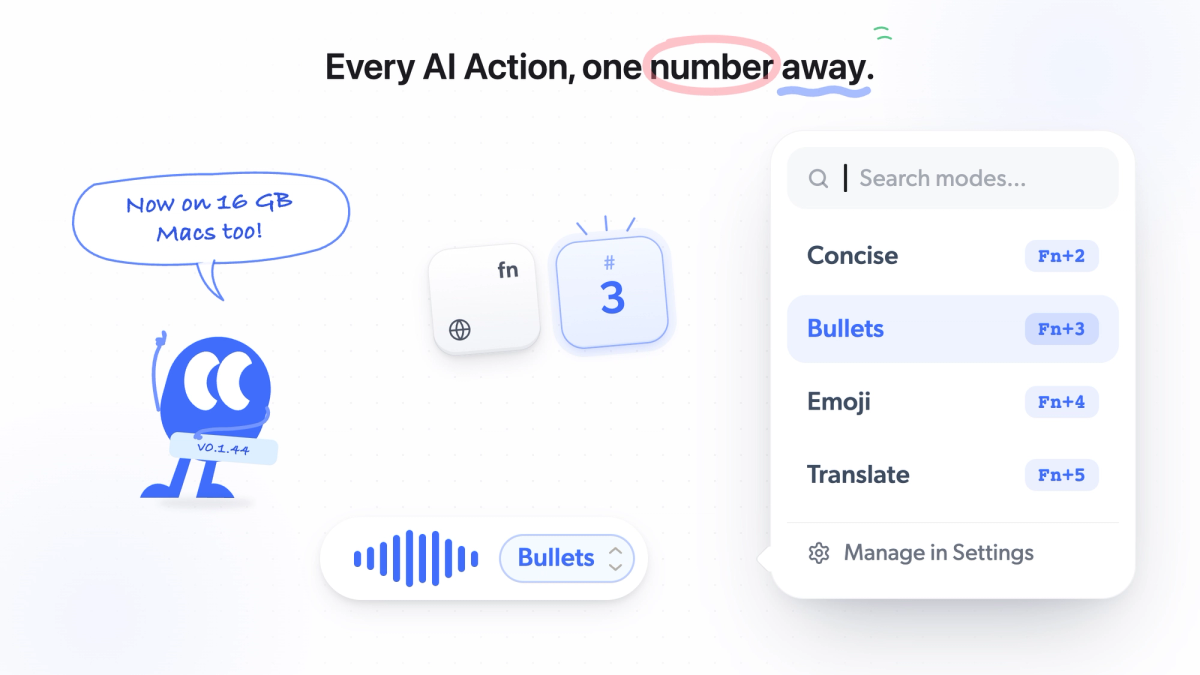
Mumble Dictation is AI dictation for Mac that runs on-device: both a voice model and a language model run right on your machine. Hold a key, speak, and clean text appears at your cursor in whatever app you are using: email, Slack, Google Docs, your code editor, anywhere you can type. On Apple Silicon Macs with 16GB of memory or more, transcription, cleanup, and every AI Action stay on the machine, so it works offline and your audio and text are never uploaded.
Four things make it stand out. First, the cleanup layer runs locally, which is unusual: most tools that clean up your speech send it to the cloud to do so. Second, while you hold the key, AI Actions let you pick what your words become before they land: Transform actions such as Cleanup, Concise, Bullets, Emoji, and Translate, or a custom prompt you wrote yourself, such as "rewrite as a formal email". Each sits on a number key. Third, voice actions go past the text box: Open takes a spoken query to Google, YouTube, Amazon, or Maps, Ask sends a question to ChatGPT, Claude, or Grok, and GIF searches what you said and opens a picker. Fourth, it handles 40+ languages with automatic detection, including mixed-language sentences, and a personal dictionary keeps names and jargon spelled right.
Best for: Mac users who want AI cleanup, custom prompts, and voice actions that all run on-device, without a subscription. Where it falls short: Mac only, and it launched in June 2026, so it is younger than Wispr Flow or Superwhisper. Full on-device AI needs 16GB of memory; with less, transcription stays local but cleanup needs your own AI key. Price: Free with unlimited dictation and no word cap; Pro is a one-time $100 (currently $50), three Macs, 30-day money-back guarantee. Platform: Mac (macOS 14.2+, Apple Silicon). Processing: On-device.
2. Superwhisper: best for power-user customization
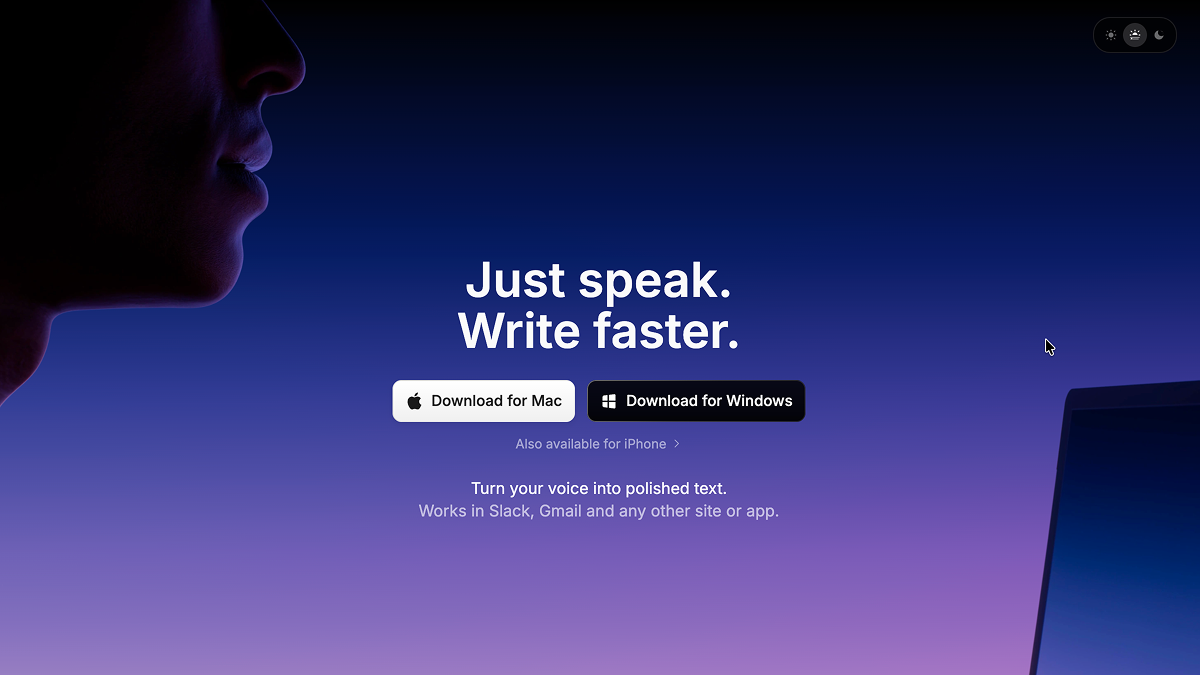
Superwhisper is a dictation app built around local Whisper models and a per-app "modes" system, where each app can have its own dictation behavior. It's the closest thing to a power-user toolkit in this list, and it covers the full Whisper model lineup so you can trade speed against accuracy.
It's worth being precise about how local it is. Superwhisper can transcribe locally, but some AI rewriting or advanced mode behavior may use cloud LLMs or your own API keys, depending on how you configure it. The free tier is limited to small local models and three custom modes. Setup is heavier than most apps here, and a few privacy defaults are worth checking, since reviewers note audio is saved to disk by default.
Best for: Technical users who want deep configuration and per-app modes. Where it falls short: Steeper setup; cloud features need your own paid API keys. Price: Free tier; Pro $8.49/month or $84.99/year; $249.99 one-time lifetime. Platform: Mac, Windows, iOS. Processing: Local transcription, with optional cloud LLM post-processing.
3. VoiceInk: best open-source local option
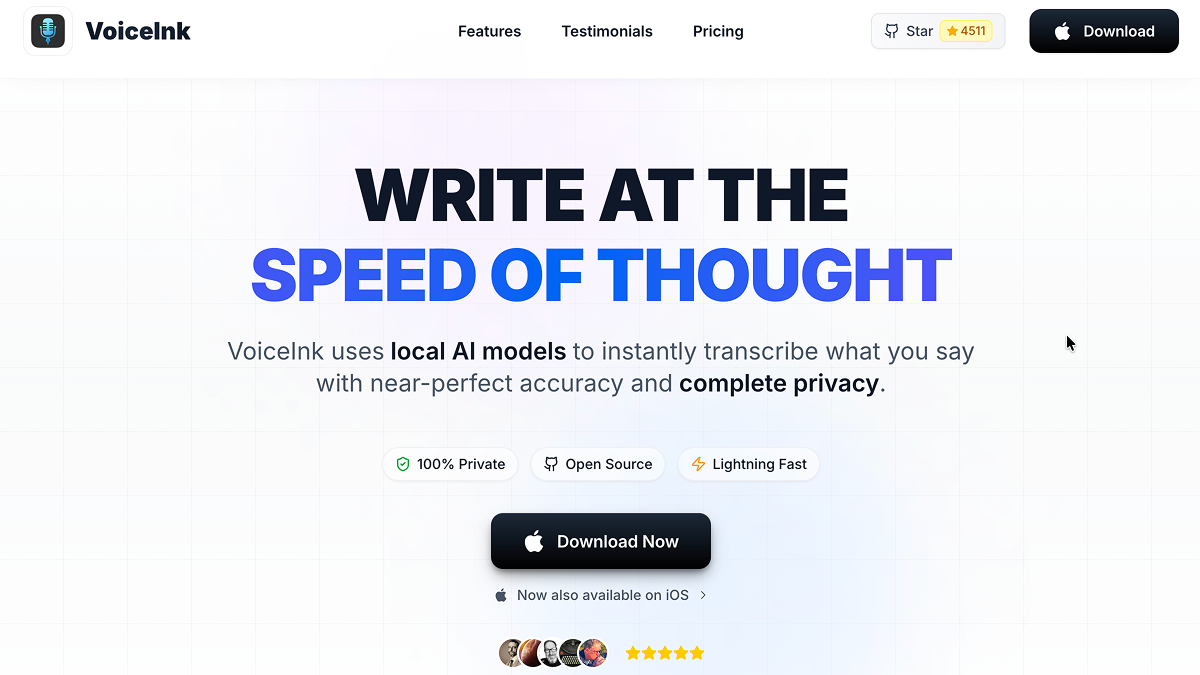
VoiceInk is an open-source Mac dictation app (GPL v3) built by indie developer Prakash Joshi Pax. It transcribes speech with local Whisper models, processing audio entirely on your Mac, and works system-wide so dictated text lands wherever your cursor is. The GitHub repository has picked up over 4,300 stars, and you can build it from source for free if you have Xcode.
For people who specifically searched for an open-source Wispr Flow alternative, this is the honest answer. Its Power Mode applies automatic per-app settings, so your email client and code editor can each have their own configuration. Optional AI enhancement features can route through cloud APIs if you choose to set them up. It trails the polished commercial apps on developer integrations and overall finish, but on price and transparency it's hard to beat.
Best for: Privacy-first users who want open-source, fully local dictation. Where it falls short: Less polished than commercial tools; no IDE integration. Price: $25 (1 Mac), $39 (2 Macs), or $49 (3 Macs) one-time; free from source. Platform: macOS. Processing: Local transcription.
4. MacWhisper: best for transcribing audio files
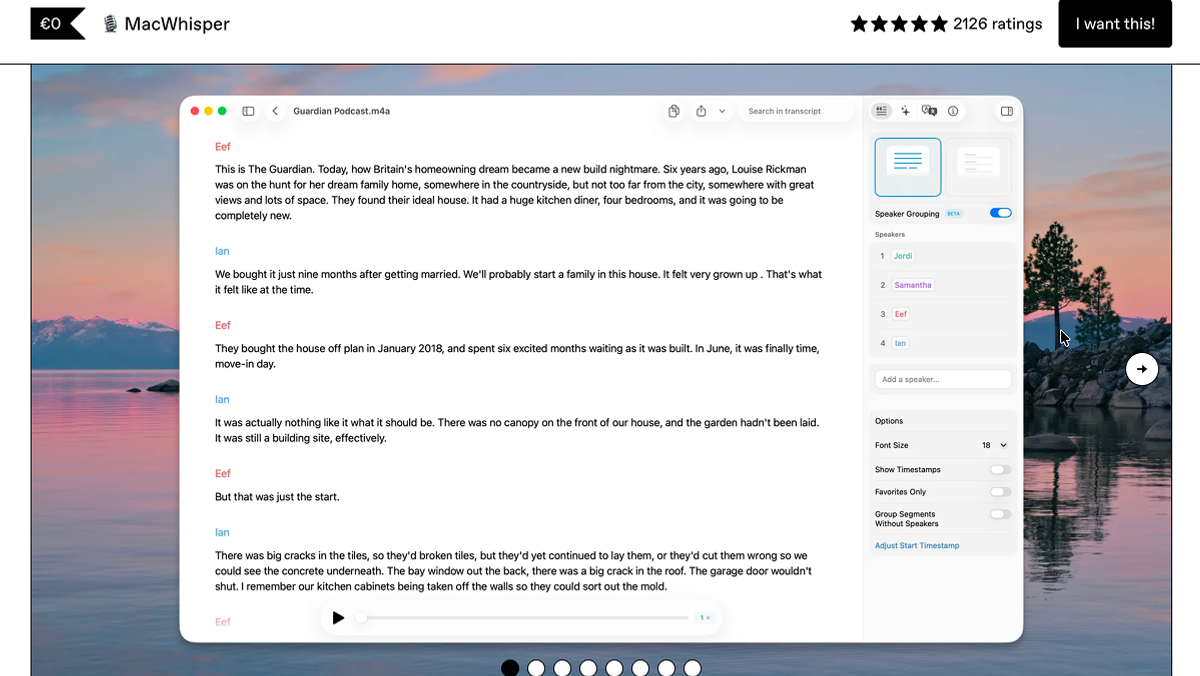
MacWhisper runs OpenAI's Whisper model locally on your Mac. It's worth being clear about what it is: primarily a file transcription tool. You drag in an audio or video file and get a transcript, with batch processing, watch folders, and YouTube URL transcription. It also includes a built-in dictation feature, but real-time voice typing is not its main job.
If your need is "I have recordings and I want accurate, private, offline transcripts," MacWhisper is excellent and a longtime favorite in Mac communities. If your need is fast system-wide dictation as you work, the apps built specifically for that will feel smoother.
Best for: Transcribing pre-recorded audio and video files locally. Where it falls short: Built for file transcription, not real-time dictation. Price: Free tier; Pro about €59 (~$69) one-time on Gumroad. The Mac App Store version (Whisper Transcription) runs $6.99/month, $29.99/year, or $99.99 lifetime. Platform: Mac. Processing: Local file transcription.
5. Willow Voice: best for cross-platform style matching
Willow Voice is a cloud dictation app that transcribes speech into formatted, context-aware text and matches your writing style across different apps. It has a personal dictionary, automatic filler-word removal, and an AI Mode that turns short verbal notes into polished messages.
A couple of details are worth pinning down. Willow says it offers an optional Offline Mode that runs a local model on Mac and iOS, while cloud models remain available for speed and accuracy. However, its public materials don't clearly explain whether all features, such as style matching, cleanup, and custom prompts, stay local in Offline Mode, so the scope is unclear. On platforms, Willow runs on Mac, Windows, and iOS; Android is listed as coming soon, not currently available. Pricing mirrors Wispr Flow almost exactly: the free plan caps you at 2,000 words per week, and the paid plan lands at $144 a year.
Best for: People who want consistent style across apps on Mac, Windows, and iOS. Where it falls short: Same 2,000 words/week free cap as Wispr Flow; offline scope unclear. Price: Free (2,000 words/week); Individual $15/month or $12/month billed annually. Platform: Mac, Windows, iOS; Android coming soon. Processing: Cloud-first, with an optional offline mode on Mac and iOS.
6. Aqua Voice: best for technical and coding vocabulary
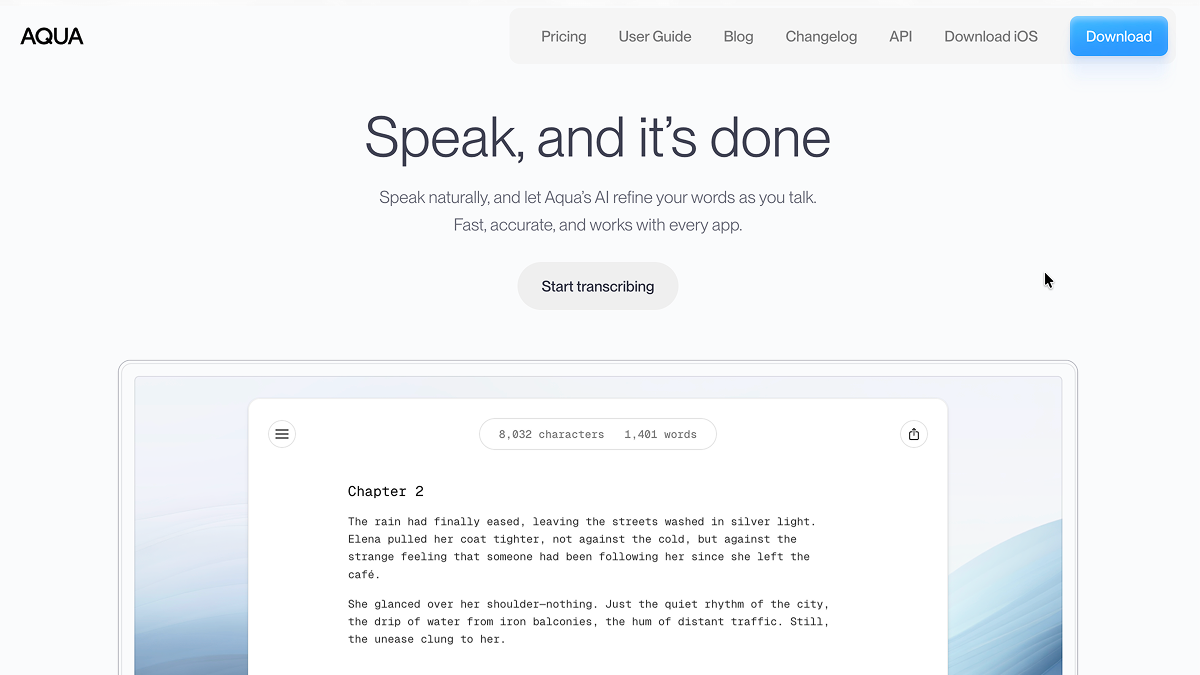
Aqua Voice is a cloud dictation app built around its own model, Avalon, which the company trained specifically on prompt-style speech, code, and email rather than general audio. The result is strong accuracy on technical terms, and it's a favorite among developers dictating code comments and documentation. It has a custom dictionary for specialized terms and per-app context formatting.
The catch is that Aqua Voice is cloud-only. There is no offline mode at any plan tier, and the company has said publicly that it can't run its model locally at the speed it wants. Aqua's privacy settings should not be confused with offline processing: they may limit retention, but the audio still goes to Aqua's cloud to be processed. The free Starter tier is a one-time 1,000-word allotment, not a recurring weekly allowance, so it's really just a trial.
Best for: Developers and technical writers who dictate code and jargon. Where it falls short: Cloud-only, no offline mode; free tier is a one-time trial. Price: Pro $8/month billed annually, or $96/year. Students get a steep discount. Platform: Mac, Windows, iOS. Processing: Cloud only.
7. Typeless: best for Android and cross-platform reach
Typeless is an AI dictation app that cleans up your speech in real time, removes filler words, and applies context-aware formatting per app. Its standout is platform coverage: it's the only one of these eight alternatives that supports Android, alongside Mac, Windows, iOS, and the web.
It has the most generous free allowance here, around 8,000 words a week, which is enough for casual daily use. On privacy, Typeless is cloud-first with no fully offline mode advertised. The company says it doesn't retain or train on user data, but the audio still needs to be processed through its servers, so this is a zero-retention promise rather than local processing. The pricing also has a sharp edge: the annual plan is competitive at $12 per month, but the monthly plan is $30. If you go with Typeless, commit annually.
Best for: Android users and anyone who needs dictation on every platform. Where it falls short: $30/month if you don't commit annually; cloud-first, not offline. Price: Free (about 8,000 words/week); Pro $12/month annual, $30/month monthly. Platform: Mac, Windows, iOS, Android, web. Processing: Cloud-first.
8. Apple built-in Dictation: best free basic option
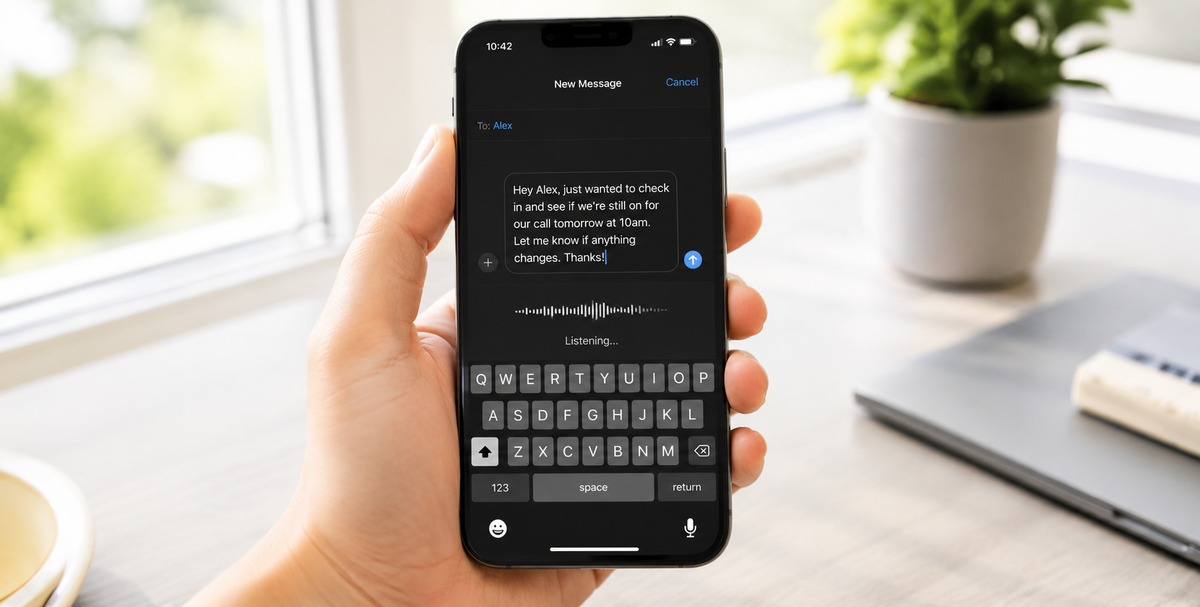
macOS has dictation built in. It costs nothing, it's already installed, and for short bursts of voice typing it does the job without you adding anything to your dock. For a quick search box, a short note, or a single sentence, it's perfectly fine.
The limits show up fast. Apple Dictation is best for short bursts rather than long stretches of writing, with no AI cleanup of filler words or grammar, no custom prompts, and no way to add your own vocabulary the way the dedicated tools do. Its processing is on-device on supported devices and languages, though some dictation requests may use Apple's servers depending on your settings, language, and device. It's the right answer if your needs are light and occasional, and the wrong answer if dictation is part of how you actually work.
Best for: Light, occasional voice typing at zero cost. Where it falls short: Better for short sessions; no AI cleanup, no customization. Price: Free, built into macOS. Platform: Mac, iOS, iPadOS. Processing: On-device when supported.
Free and open-source Wispr Flow alternatives
If you got here by searching for a free or open-source Wispr Flow alternative, the shortlist is short and the tradeoffs are clear. Three of the options below are open source, two are free with no word cap, and the rest are free tiers with a weekly ceiling.
- VoiceInk: open source under GPL v3. Free if you build it from source, or $25 one-time for the signed build on one Mac ($39 for two, $49 for three). Local Whisper models, Mac only. This is the closest thing to an open-source Wispr Flow.
- Handy: free and open source, no paid tier at all. Speech to text runs on your computer and nothing goes to the cloud. It transcribes into any text field but does not clean up what you said, so expect raw speech rather than polished writing.
- OpenWhispr: open source under the MIT license, on macOS, Windows, Linux, and iOS. You can run local speech models for free or bring your own API keys for cloud models. Cloud is a choice you turn on, not the default.
- Apple Dictation: free and already installed. Fine for short bursts, no AI cleanup, and it stops after about 30 seconds of silence.
- Mumble Dictation free tier: unlimited on-device dictation with no word cap and no account. AI cleanup, custom prompts, and voice actions are part of the one-time Pro license, so the free tier is transcription plus punctuation.
- Free tiers with a weekly cap: Typeless gives you 8,000 words per week, the most generous cap in this list. Willow Voice matches Wispr Flow at 2,000 words per week. Superwhisper's free tier is limited by recording time rather than words.
What you give up with the open-source tools is the cleanup layer. VoiceInk, Handy, and OpenWhispr turn speech into text and stop there; the filler-word removal and rephrasing that make Wispr Flow feel finished either need your own API key or are not offered. If that layer is why you liked Wispr Flow, the free options that keep it are the capped tiers, or Mumble Dictation's Pro license as a one-time purchase instead of a subscription.
How Wispr Flow compares
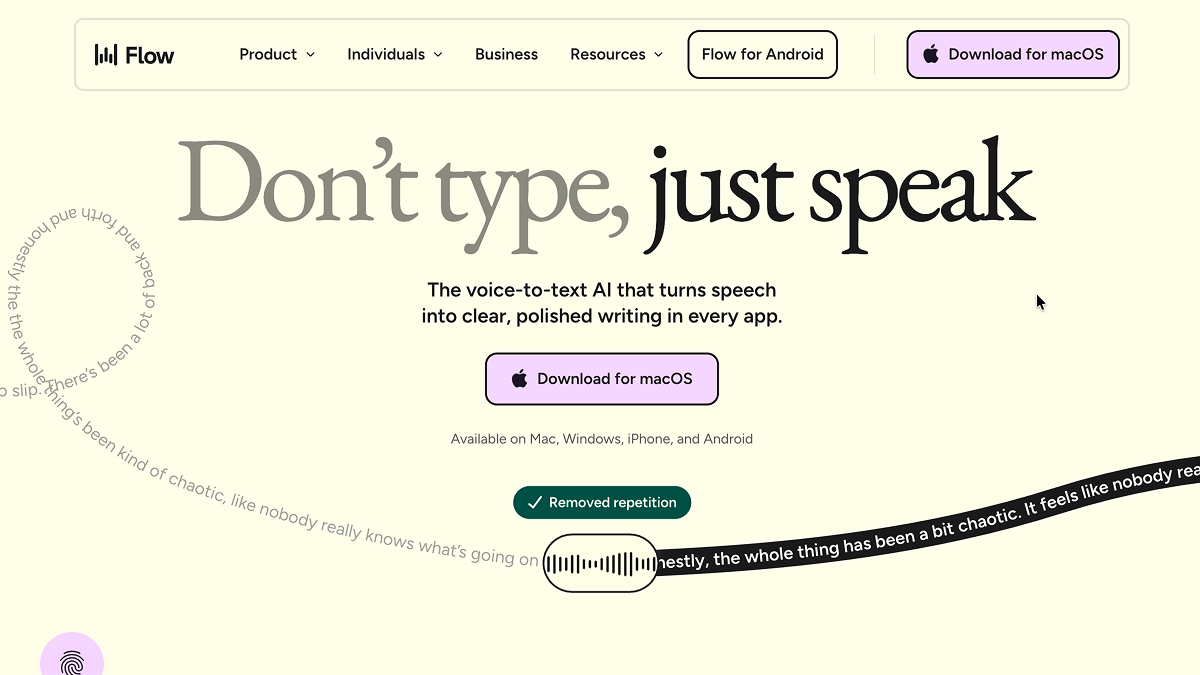
Since Wispr Flow is the tool you're measuring these against, here's an honest read on it.
Wispr Flow is a fast, polished cloud voice keyboard that works across Mac, Windows, iOS, and Android. The cleanup is good, it supports a custom dictionary, and it's a solid choice if a quick voice keyboard is all you need.
The reasons people leave are the ones at the top of this guide. The free Basic plan caps you at 2,000 words per week. The Pro plan is $15 per month, or $12 per month billed annually. It's cloud-first and does not advertise a fully offline local mode, and desktop sessions have a roughly 20-minute limit. If none of that bothers you, Wispr Flow is a reasonable tool and you may not need to switch at all. If price, offline processing, or scope beyond a voice keyboard is what's pushing you, one of the eight above will fit better.
Wispr Flow alternatives compared
| Tool | Best for | Free plan | Local / cloud status | Custom prompts | Custom dictionary | System-wide | Platform |
|---|---|---|---|---|---|---|---|
| Mumble Dictation | On-device AI dictation | Yes (unlimited) | Fully on-device | Yes | Yes | Yes | Mac |
| Superwhisper | Power-user setup | Yes (limited) | Local transcription + optional cloud LLM | Yes (per-app modes) | Yes | Yes | Mac, Win, iOS |
| VoiceInk | Open-source local | Free from source | Local transcription | Limited | Basic | Yes | macOS |
| MacWhisper | File transcription | Yes (limited) | Local file transcription | No | Limited | Partial / not its main use | Mac |
| Willow Voice | Cross-platform style | Yes (2k words/wk) | Cloud-first, optional offline on Mac/iOS | Limited | Yes | Yes | Mac, Win, iOS; Android soon |
| Aqua Voice | Technical vocabulary | Trial only (1k words) | Cloud only | Some | Yes | Yes | Mac, Win, iOS |
| Typeless | Android + everywhere | Yes (~8k words/wk) | Cloud-first | Some | Some | Yes | Mac, Win, iOS, Android, web |
| Apple Dictation | Free basics | Free (built in) | On-device when supported | No | No | Yes | Mac, iOS, iPadOS |
| Wispr Flow | Fast voice keyboard | Yes (2k words/wk) | Cloud-first, no offline mode advertised | Yes | Yes | Yes | Mac, Win, iOS, Android |
How to choose
Start from what you actually need, not from a feature list.
If you want a free, basic option and only dictate occasionally, Apple Dictation is already on your Mac. If you want open-source and fully local, VoiceInk is the honest pick, and you can even build it for free. If you have recordings to transcribe rather than text to type, MacWhisper is built for exactly that. If you're a developer who lives in code vocabulary, Aqua Voice is tuned for it. If you need Android, Typeless is the only real choice here. And if you want deep per-app configuration, Superwhisper gives you the most knobs.
If you want AI cleanup, custom prompts, a custom dictionary, and voice actions that all run on your Mac, with a free unlimited tier and a one-time Pro, Mumble Dictation is the all-around fit. For more detail, see the Mumble dictation page, the Mumble vs Wispr Flow comparison, and our broader guide to the best dictation software for Mac.
FAQ
What is the best alternative to Wispr Flow?
There's no single best alternative, because it depends on your priority. For a free, fully local, open-source option, VoiceInk is the strongest pick. For Mac users who want AI cleanup, custom prompts, and voice actions that run entirely on-device, Mumble Dictation is the most complete fit. For cross-platform reach including Android, Typeless is the only option that covers every platform.
Is there a free alternative to Wispr Flow?
Yes. Apple Dictation is built into macOS at no cost. VoiceInk is open-source and free to build from source. Mumble Dictation's free tier has no word cap. Several others, including Superwhisper, Typeless, and Willow Voice, have free tiers, though most cap your weekly word count.
Does Wispr Flow work offline?
Wispr Flow does not currently advertise a fully offline local mode, and it appears to be cloud-first, so it generally needs an internet connection. If offline dictation is important to you, verify this on Wispr Flow's own pages before subscribing. For dictation that runs without a connection, look at tools that process locally, such as VoiceInk, MacWhisper, Superwhisper's local transcription, or Mumble Dictation.
Why is Wispr Flow's free plan limited?
Wispr Flow's free Basic plan caps usage at 2,000 words per week, which is roughly 15 to 20 minutes of speech. For most people who dictate daily, that runs out within one or two work sessions, which is the point at which the Pro plan becomes the practical choice.
What is the cheapest Wispr Flow alternative?
Apple Dictation is free and built into macOS. Among third-party tools, VoiceInk is the cheapest paid option at $25 one-time, or free if you build it from source. Mumble Dictation has a free unlimited tier, with Pro at a one-time $100 (currently $50).
Which Wispr Flow alternative is best for privacy?
For privacy, the apps that process speech entirely on your device are the safest choices, because the audio never reaches the cloud at all. VoiceInk, MacWhisper, and Mumble Dictation all keep processing on your Mac. Note that a cloud tool's "privacy mode" or zero-retention policy is not the same thing: the audio is still processed off-device. If that distinction matters for your work, choose a tool with a genuine local mode.
Is there an open-source alternative to Wispr Flow?
Yes. VoiceInk (GPL v3) is the most established open-source Wispr Flow alternative for Mac: free from source or $25 one-time for the signed build, with local Whisper transcription. Handy is fully free and open source and runs speech to text on your computer with no cloud step. OpenWhispr is MIT-licensed and runs on macOS, Windows, Linux, and iOS with local models or your own API keys. All three transcribe well but leave out the AI cleanup layer that Wispr Flow is known for.
If Typeless is the alternative you are weighing, we put the two through a full head-to-head in Typeless vs Wispr Flow.